
HTML Editor for Gmail by cloudHQ
Extension Actions
CRX ID
oalipkhepblgaeehhjoficflphbnaggd
Description from extension meta
HTML Editor for Gmail™ - code HTML email directly from Gmail
Image from store
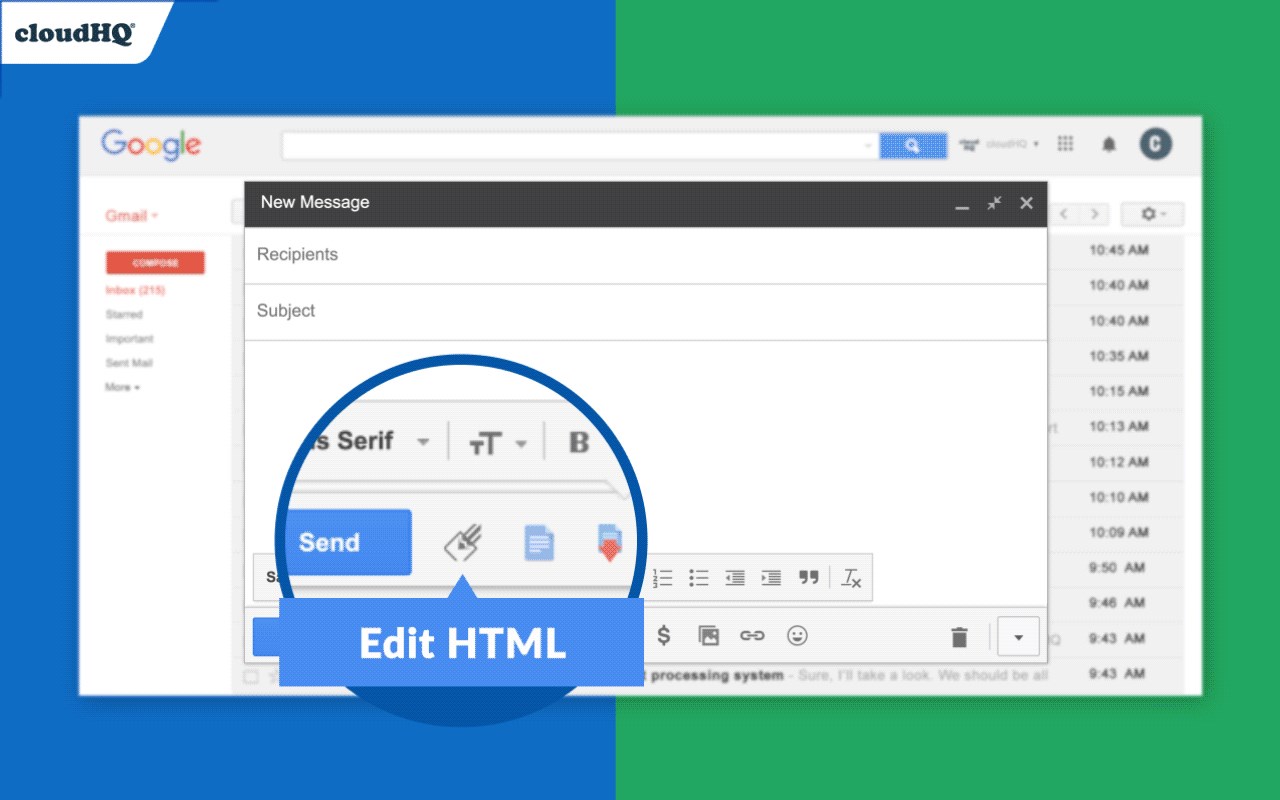
Description from store
Are you good at HTML?
Want to make your Gmail emails cooler with:
✓ Tables
✓ Charts
✓ Clickable buttons
✓ Images side by side (perfect for social media icons!)
If that sounds good to you, we've got something special!
Our Free HTML editor is advanced yet user-friendly, offering a split screen view that lets you tailor Gmail emails with anything you can imagine.
cloudHQ. Boosting your productivity, one click at a time.
App website: https://www.html-editor-for-gmail.com/
cloudHQ website: https://www.cloudhq.net
Pricing: https://www.html-editor-for-gmail.com/pricing
Support page: https://support.cloudhq.net/category/browser-extensions/gmail_html
Blog: https://blog.cloudhq.net
Latest reviews
- Eliza
- Love it for inserting charts. Had to send a quarterly report to stakeholders and being able to embed a chart directly in the email instead of attaching a spreadsheet made the whole thing more digestable.
- Favour
- If you do any kind of email marketing from Gmail this is essential. The emails I send now look like they came from Mailchimp but I didnt have to leave my inbox or learn a whole new platform.
- hart
- Great for internal newsletters. Our company sends a weekly update email and before this it was just a wall of text. Now we have sections, images, buttons linking to different resources. People actually read it.
- Rosline
- Not a developer at all but I know enough basic HTML to get by. This makes it super easy to drop in a table or a button without having to fight Gmail's terrible formatting toolbar.
- femi
- The split screen view is really well done. HTML on one side, preview on the other. Makes it easy to tweak things without constantly switching back and forth or guessing what the email will look like.
- Ruby
- Finally I can make Gmail emails that dont look like they were written in 1998. Added a proper table to a client proposal and it actually rendered perfectly. Gmail's built in formatting options are so limited compared to this