
Adblock for Spotify - SpotiBlock
Extension Actions
Removes and block any audio ads from Spotify. Automatically mute ads.
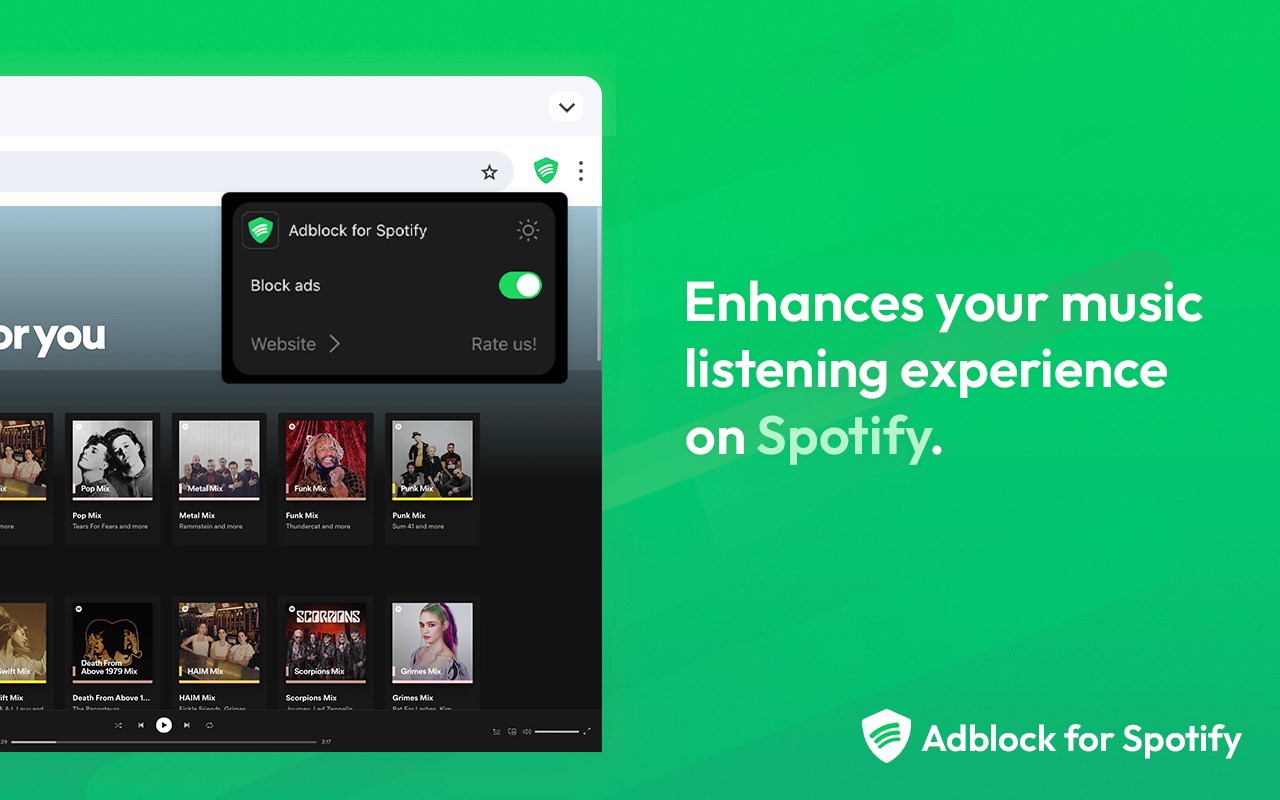
SpotiBlock | Adblock for Spotify a powerful ad-blocking solution tailor-made for Spotify, specifically engineered to eliminate audio interruptions caused by ads.
Tired of constant interruptions while enjoying your favorite tunes and playlists? Adblock is here to transform your Spotify web player experience by effectively blocking all intrusive audio ads, making sure you can groove without any distractions.
Our cutting-edge algorithm is meticulously crafted to seamlessly integrate with the Spotify web player, ensuring uninterrupted music enjoyment for you. It's reliable, efficient, and designed to deliver the best results.
🎵 How Spotify skip ads works:
- Effortless Installation: Add the extension to Edge with just one click.
- Seamless Activation: Once installed, the extension automatically activates upon opening the Spotify Web Player.
- Uninterrupted Music Enjoyment: Dive into your favorite tracks without any ad disruptions.
⚙️ Features:
- Comprehensive Spotify ad-blocking capabilities.
- Privacy Priority: Your privacy is paramount to us. Our extension does not track your browsing activity or personal data.
- Free of Charge: Enjoy an enhanced Spotify experience at no cost.
🎧 Adblocker is perfect for all Spotify users who want to enjoy their music without any interruptions. It's a simple, effective, and user-friendly solution that enhances your Spotify listening experience.
Bid farewell to disruptive interruptions and embrace uninterrupted music streaming today with this extension, the ultimate Spotify ad blocker!
Latest reviews
- Joe
- Terrible app, doesn't work. Freezes the main page for Spotify. Absolute garbage
- Alberto
- bkm
- Ashley
- I did it and it also do the same thing by showing me this message, "429 Too Many Requests." But I have advice for all of y'all who having this problem as well so all y'all have to do is go to a new tab and search up Spotify. And y'all good!!
- Maurício
- The only ad blocker I use on Edge worked perfectly for a month until today (03/14/2025), when it started displaying the message "Adblock for Spotify can't work properly if there are other Spotify ad-blockers running. Please turn off other Spotify ad-blockers (except Adblock for Spotify) and reload the page. Also if you have a general/generic ad-blocker installed, Please add "open.soptify.com" to the list for exceptions", and now I can't listen to music unless I disable the extension.
- Justin
- I think there trying to stop this, but I hope it gets better no need to pay just to hear music without ads.
- V
- Was working fine, now I get this message every time I refresh the page: Adblock for Spotify has detected that interception is not fully working. Please try refreshing this page, or, if the problem presists, writing back to the developer.
- Rayhan
- GACOOORRRR
- Yukorria
- It is useful, but every time it skips an ad it lags the whole website and doesnt let me play any more songs, so i have to refresh the page.
- Priego
- El botón de silenciar el sonido en la pestaña de Edge donde se está reproducción spotify, no funciona con ésta extensión.