
AI Side Panel
Extension Actions
Easily access AI sites via side panel
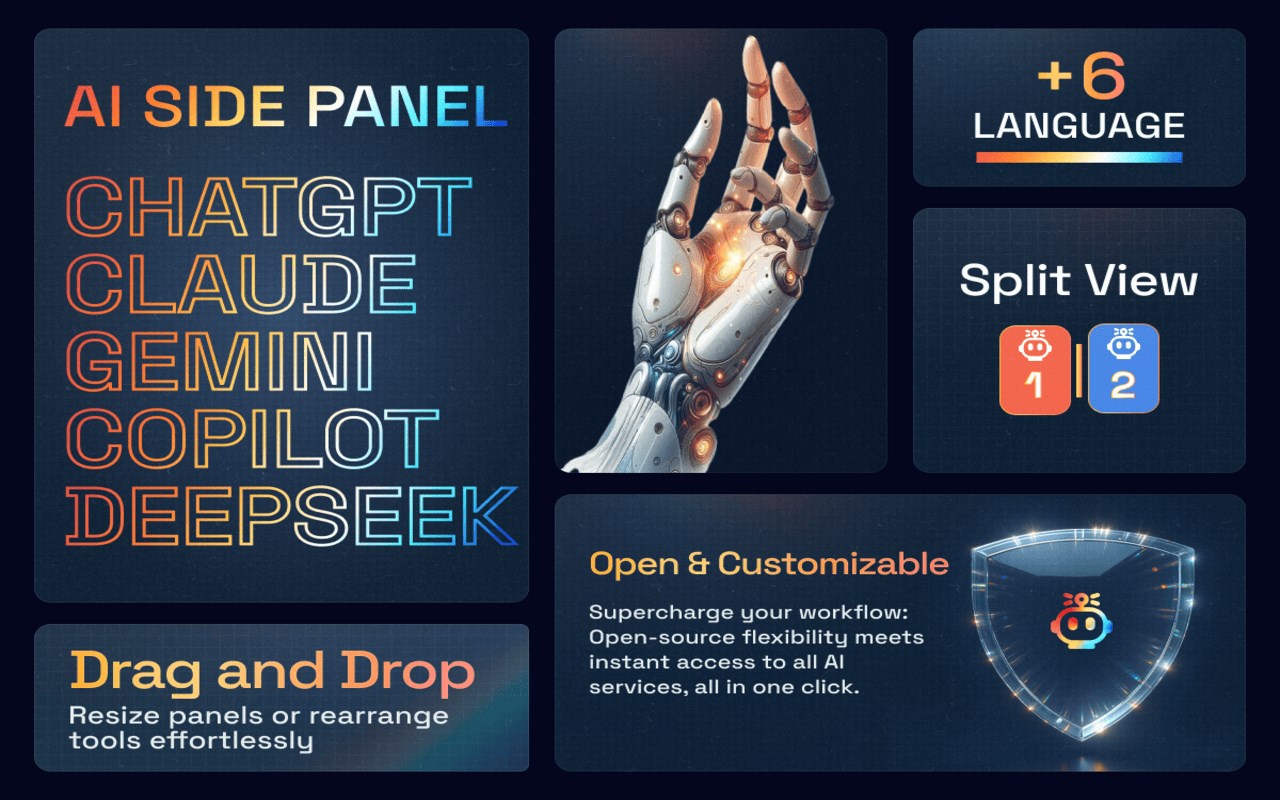
AI Side Panel Extension
Enhance Your Productivity with Seamless AI Integration!
The AI Side Panel Extension brings the power of popular AI tools directly to your browser. Easily access and interact with sites like ChatGPT, Gemini, Claude, Copilot, and DeepSeek through a convenient side panel, designed to integrate smoothly into your browsing experience.
No more switching tabs or windows!
Just toggle the panel and start creating, translating, writing, or coding with ease. Boost your productivity today.
Key Features:
* Instant AI Access: Side panel integration for immediate access to AI tools while browsing.
* Split Screen Workflow: Customizable split view for simultaneous browsing and AI interaction.
* Quick Toggle: One-click access via icon or ALT + Q shortcut.
* Minimal Interface: Clean, distraction-free design for focused AI interactions.
* Support for all popular AI services.
* Custom Service Support: You can add any service via the settings menu. Simply copy the site URL.
* Custom Service (Context Menu): Right-click selected text → pick Service + Action (with editable templates) to send it to your preferred AI instantly.
* Smart content extraction that automatically cleans and formats text from news articles, code repositories, and social posts for AI analysis.
* Prompt History: It enables quick navigation through previous messages in the chat window, supports all major AI services, and is completely optional.
* Conversation Hub: Allows you to see and search all your AI conversations in one place.
Perfect for anyone looking to boost productivity and integrate advanced AI resources into their daily tasks.
Install the AI Side Panel Extension today and transform your browsing experience!
It's open source!!
Latest reviews
- Barış
- Great productivity extension. Split screen browsing with an AI tool on the side feels natural, especially when summarizing articles, rewriting text, or asking quick questions. I like that it supports multiple AI services and you can even add your own custom URL in settings. Works smoothly so far.
- Griffon
- Pretty straight forward and renders pretty fast my only gripe is I can't move it the left side like firefox