
Page Assist - A Web UI for Local AI Models
Extension Actions
CRX ID
ogkogooadflifpmmidmhjedogicnhooa
Status
- Extension status: Featured
Description from extension meta
Use your locally running AI models to assist you in your web browsing.
Image from store
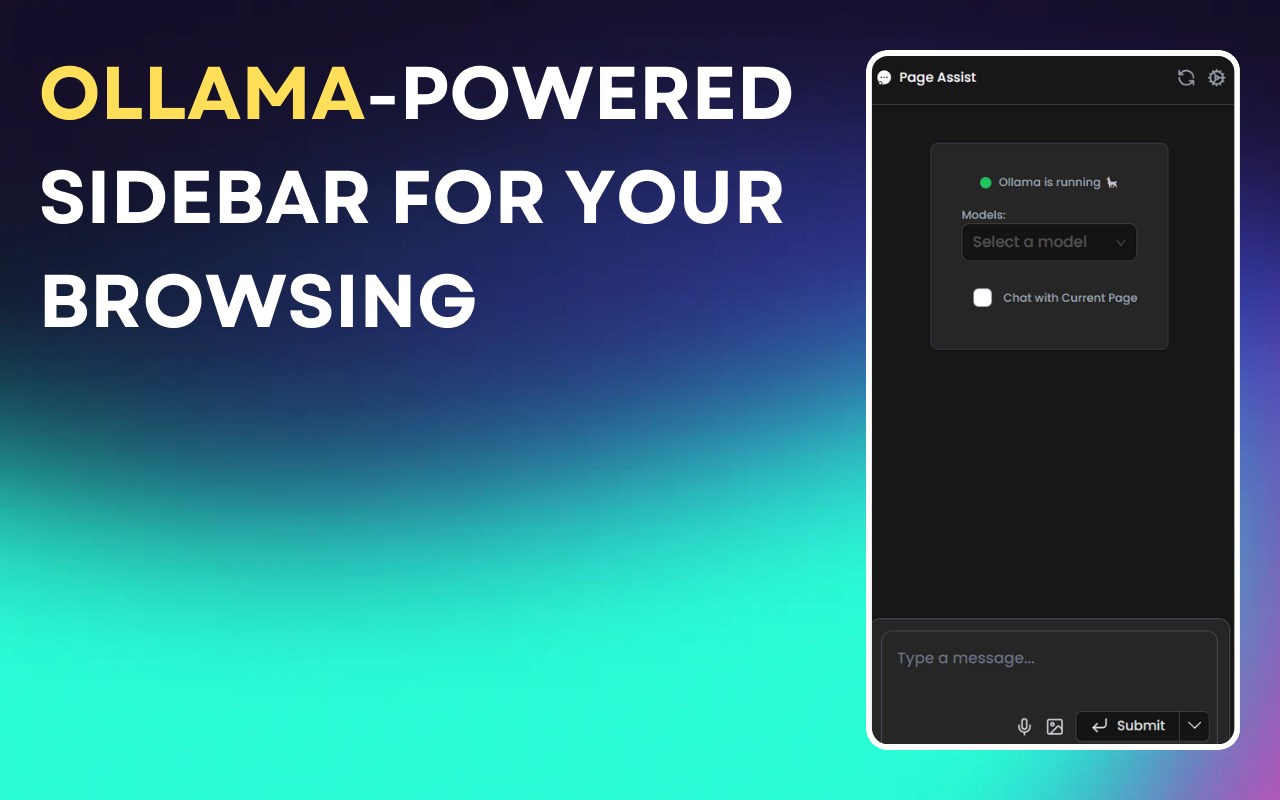
Description from store
Utilize your own AI models running locally to interact with while you browse or as a web UI for your local AI model provider like Ollama.
Repo: https://github.com/n4ze3m/page-assist
Current Features:
- Sidebar for various tasks
- Support for vision models
- A minimal web UI for local AI models
- Internet search
- Chat with PDF on Sidebar
- Chat with Documents (pdf,csv,txt,md)
Supported Providers:
- Ollama
- [BETA] OpenAI-compatible API support (LM Studio, Llamafile, and many more providers).
Latest reviews
- xiang
- 最近的附件里面的Enable RAG for Document按钮添加以后,缺少完整的RAG处理流程,向量化过程被阻塞了,知识库集成失败。
- Thaer
- Good, simple, lightweight and beats Open-WebUI which is several hundreds of megabytes.
- duo
- The microphone is not available for offline use when reasoning with the audio input. It only becomes usable once a network connection is established, which then compromises privacy. 我在离线状态下使用麦克风推理时它是不可用的。只有在联网后麦克风才能使用。一旦联网后就没有隐私了。
- Xiao
- 在使用麦克风时必须是在线状态,没有隐私保证!作者在隐私上保留了后门,这是不道德的。希望及时修正所有对隐私安全影响的后门。只有完全本地化的推理才有隐私安全。 When using a microphone, it must be in an online state, with no privacy guarantee. The author has reserved a backdoor for privacy, which is unethical. I hope to fix all the backdoors that affect privacy and security as soon as possible. Only fully localized reasoning can ensure privacy and security.
- 钦
- 比较好用。
- Alaska
- 非常棒插件,使我的Ollama飞速运转。
- ZiYun
- 一直提示“无法连接到Ollama 🦙”;但是直接登录“http://IP:11434”是显示Ollama is running。
- Asu
- 这也太好用了叭
- MJ
- 通过配置对话共享服务就避免了对话数据到第三方的服务器了吗?
- xiaohui
- 隐私性不高,的确是方便本地部署的大模型,还是会搜集你和大模型沟通的相关内容和结果,听说这种数据在市面上很值钱。就是你没渠道,除非你能自己开发这种插件或者软件。然后自己安装自己用,不知道deepseek能不能帮我实现呢?所以,根据自己身份,要么自己开发,要么就不要用这种,插件,还是本地部署好,直接CMD或者终端去沟通,数据最安全。断网都可以使用。
- Andersin
- Very nice!
- Qi
- 好评!用过Chrome的版本,终于出原生edge版本的了,直接来给5星
- BL
- 实际应用发现根本就没有联网,最简单的当前日期回答都是错误的
- 相濡
- Page Assist+deepseek在使用侧边栏进行对话时提示,ollama call failed with status code 403。在全页面使用时,能正常使用,但依然无法联网搜索。
- Higashi
- 这个东西不好管理知识库啊, 1知识库不能够改名字, 2同个知识库不能追加新的内容, 3用同个知识库名字追加呢内容, 聊天查询选择知识库很多同个名字的,不知道选哪个
- G
- 插件很好用,如果未来支持文档就方便了
- 凯迪
- 和英特尔® 驱动程序和支持助理冲突,开启Page Assist扩展以后英特尔® 驱动程序和支持助理就无效了,关闭Page Assist扩展以后,英特尔® 驱动程序和支持助理就能正常使用了。
- 志勇
- 求给设置指南 我的在对话的时候报错Ollama call failed with status code 400
- yh
- ★★★★★
- Ludovic
- Great extension, the maintainer is very reactive.
- 立强
- 免费的连接工具,可以自动检测ollama本地部署模型;也提供OpenAI远程调用
- 小伟
- 奈斯,好用好用,省去安装几百兆的客户端了
- 按顺序
- 无法联网的在设置里面改成搜狗 联网的数据没有嵌入的, 用ollama官方拉的模型,不要用自己导入的, 要不就改对话模板, 比较麻烦,建议就别折腾了 遇到问题,在discord可以直接聊天, 也可以在 github 上提 isssue,但是处理相对比较慢
- jiang
- 无法联网