
Proton Pass: Free Password Manager
Extension Actions
- Extension status: Featured
Free and fully encrypted password manager to keep your logins and passwords safe.
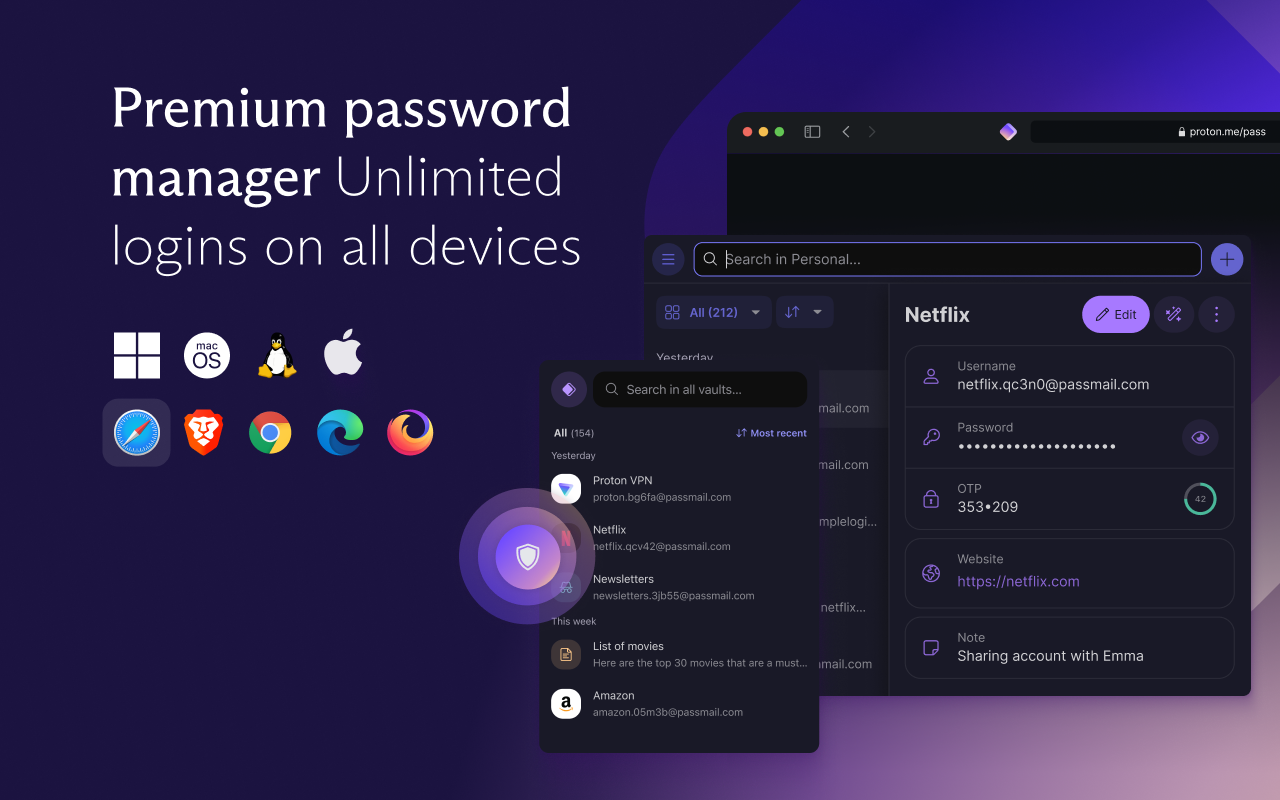
Free and unlimited password manager to keep your login credentials safe and manage them directly in your browser.
With Proton Pass, you can:
- Store and auto-sync unlimited logins on unlimited devices: You can create, store, and manage your credentials from anywhere with our browser extension and apps for Android and iPhone.
- Sign in faster with Proton Pass autofill: You no longer need to copy and paste your username and password. Easily and securely log in with Proton Pass autofill technology.
- Avoid weak passwords: With our built-in secure password generator, you can easily generate strong, unique, and random passwords based on the security requirements for every website you sign up to.
- Safely store encrypted notes: You can save private notes in Pass and access them on all your devices.
- Create unique email addresses with hide-my-email aliases: Proton Pass helps you hide your personal email address with email aliases. Keep spam out of your inbox, avoid being tracked everywhere, and protect yourself from data breaches.
- Make 2FA easy with our built-in authenticator: With Pass’s integrated 2FA authenticator, using 2FA is finally fast and convenient. Easily add a 2FA code for any website and use it when you log in.
- Easily organize and share your sensitive data with vaults: Manage your logins, secure notes, and email aliases with vaults. In the next version of Pass, you’ll be able to share vaults with your family, friends, or colleagues.
- Quick offline access to your login data: Access your stored passwords and notes in Pass from wherever you are, even when you don’t have internet connection.
- Secure your Pass account with additional security measures: Protect all your data with another layer of protection, either with TOTP or U2F/FIDO2 security keys.
Pass offers more than other free password managers and has no ads or data collection. You can use it for free forever on all your devices to create and store unlimited passwords, autofill logins, generate 2FA codes, create email aliases, secure your notes, and more.
* Protect your logins and their metadata with battle-tested end-to-end encryption
While many other password managers only encrypt your password, Proton Pass uses end-to-end encryption on all your stored login details (including your username, the website address, and more).
* Audit Pass’s open-source code
Like all other Proton services, Pass is open source and built on the principle of trust through transparency. As scientists, we know that transparency and peer review lead to better security. All Proton Pass apps are open source, meaning anyone can verify our security claims for themselves.
* How can Proton Pass be free forever?
We offer Pass for free because everyone deserves online privacy and security. This is possible thanks to our supportive community on paid plans. If you would like to support our work and get access to premium features, consider upgrading your plan.
* Protect more than just your passwords.
Join over 100 million people who have signed up for Proton’s privacy ecosystem, which includes Proton Mail, Proton Drive, Proton Calendar, Proton VPN, and more. Take back control of your privacy online with our encrypted email, calendar, file storage, and VPN.
---
In-product purchases: This extension is free to use with basic features. For access to premium features, we offer optional subscriptions: Pass Plus (for individual), Pass Family (covers up to 6 family members), and Proton Unlimited (includes Pass Plus along with Proton Mail, VPN, Drive and Calendar). Subscriptions can be managed through your Proton account.
---
For more information, visit: https://proton.me/pass
Learn more about Proton: https://proton.me
Latest reviews
- Joshua
- I love Proton anything. I am so happy with the widget. The ease of use and the speed. Always works and never messes up my day. 5 stars ALL DAY
- Re
- Reliable. Read the documentation if you're not yet convinced.
- Eric
- I'm really glad to see another reliable program system that's out here outside of the Google ecosystem. I have subscribed to the whole selection of apps that proton has to offer.
- Jordan
- Proton Pass has become one of the most reliable tools in my daily workflow. The Edge extension is fast, intuitive, and incredibly consistent, but what really sets it apart is how seamlessly it works across every ecosystem I use. Whether I’m on a Chromebook, my iPhone or Mac, or my Windows PC, Proton Pass syncs instantly and behaves exactly the same everywhere. That kind of cross‑platform polish is rare, and it makes managing passwords feel effortless instead of fragmented. Security has also been outstanding. Proton’s end‑to‑end encryption gives me real peace of mind, and the extension itself feels lightweight, stable, and thoughtfully designed. Autofill is smooth, the interface is clean, and everything just works without fuss. If you want a password manager that’s private, trustworthy, and genuinely seamless across ChromeOS, iOS, macOS, and Windows, Proton Pass is an easy recommendation. It’s been a fantastic addition to my setup.
- Fillone
- genuinely have moved on from all other password manager
- Bruno
- Love it
- Opal
- This is a really good program and connects easily
- Andrio
- love this
- Grace
- banana.vtlove.world复制注册!送试用永久流量体验!加速器,不骗人!节点多,P站/推特/YB等完全不卡!(手机电脑全平台互通)
- Deirdre
- banana.vtlove.world复制注册!送试用永久流量体验!加速器,不骗人!节点多,P站/推特/YB等完全不卡!(手机电脑全平台互通)
- Jasmine
- banana.vtlove.world复制注册!送试用永久流量体验!加速器,不骗人!节点多,P站/推特/YB等完全不卡!(手机电脑全平台互通)
- Godwin
- banana.vtlove.world复制注册!送试用永久流量体验!加速器快试试!P站/推特/YB等不卡,最主要不骗人!(手机电脑全平台互通)
- Morton
- banana.vtlove.world复制注册!送试用永久流量体验!加速器,不骗人!节点多,P站/推特/YB等完全不卡!(手机电脑全平台互通)
- Jerome
- banana.vtlove.world复制注册!送试用永久流量体验!加速器快试试!P站/推特/YB等不卡,最主要不骗人!(手机电脑全平台互通)
- Justin
- I use this instead of the actual program to reduce resource use. It's awesome.
- Khizar
- I love your extension. It helps me sync in any kind of browser like a centric system. But I need to give suggestion that kindly add bookmarks saving system in web browser. So, it will enhance more centric web browser experience more centric. Hope for good response!
- Richard
- banana.vtlove.world复制注册!送试用永久流量体验!加速器,不骗人!节点多,P站/推特/YB等完全不卡!(手机电脑全平台互通)
- Nathan
- I've only been using this about a week now, but I'm very happy with my transition from another password manager that has been around a long time. This product simply works. It's design is elegant and it works great in the Edge add-on, Windows App, and iPhone app. If I had one wish, I wish I could make the Edge browser extension larger in the drop down from the icon. It feels a little cramped. I have been a LastPass user for a decade and I just couldn't handle their lack of support, slow development of new features, and just overall bugginess that has been there for years. Maybe more importantly, LastPass was causing my browser to start very slowly with a ton of CPU usage. I have about 1,000 passwords, so I thought it was just due to the size of the database "decrypting". Proton Pass handles my password database without any of those issues. The conversion was also super simple. I'm very happy with this conversion to Proton and pleasantly surprised with how easy it was.
- Stefan
- Works very well across all my devices and OSes.
- Facundo
- Bastante bien, cumple su función Ta bien *thumbs up*
- Norbert
- Zastanawiam się nad zakupem wersji Premium, jednak na ten moment rozszerzenie nie działa poprawnie na niektórych stronach, m.in. na eneba.com. Pomimo posiadania zapisanych danych logowania, menedżer haseł traktuje formularz jak rejestrację i automatycznie generuje nowe hasło. Nawet jeśli zarejestruję się z innym adresem e-mail i hasło zostanie zapisane, przy próbie logowania Proton Pass nie używa zapisanych danych i ponownie interpretuje formularz jako rejestrację. Co ciekawe, na urządzeniu mobilnym wszystko działa poprawnie. Zgłosiłem już ten problem do pomocy technicznej. Drugim problemem jest brak propozycji zapisania danych z formularzy (np. adres, dane kontaktowe), aby móc je automatycznie uzupełniać w przyszłości. Ten problem również został zgłoszony do supportu.
- CaMiLo
- El mejor gestor, 10/10
- Famous
- banana.vtlove.world复制注册!送试用永久流量体验!加速器,不骗人!节点多,P站/推特/YB等完全不卡!(手机电脑全平台互通)
- Thelma
- banana.vtlove.world复制注册!送试用永久流量体验!加速器快试试!P站/推特/YB等不卡,最主要不骗人!(手机电脑全平台互通)
- Sai
- Works great use it all the time and syncs to my phone!
- Owner
- banana.vtlove.world复制注册!送试用永久流量体验!加速器,看P站/推特/YB等不卡!不骗人试试就知道!(手机电脑全平台互通)
- Michał
- Nie daje się zainstalować błąd CRX_FILE_NOT_READABLE
- Nonfriend
- banana.vtlove.world复制注册!送试用永久流量体验!加速器,不骗人!节点多,P站/推特/YB等完全不卡!(手机电脑全平台互通)
- Andrew
- Fantastic free security
- Edric
- banana.vtlove.world复制注册!送试用永久流量体验!加速器,不骗人!节点多,P站/推特/YB等完全不卡!(手机电脑全平台互通)
- Chief
- banana.vtlove.world复制注册!送试用永久流量体验!加速器,不骗人!节点多,P站/推特/YB等完全不卡!(手机电脑全平台互通)
- Laverna
- banana.vtlove.world复制注册!送试用永久流量体验!加速器,看P站/推特/YB等不卡!不骗人试试就知道!(手机电脑全平台互通)
- Josh
- In the same boat as others. My Proton Pass extension simply has stopped working. Reloading or reinstalling does not help. UPDATE: 1/27/2026 - It appears that Edge released a hotfix that fixes this issue. Go to edge://settings/help. If you don't have version 144.0.3719.92, update to it and restart the browser. This extension will start working again!
- Rosalie
- banana.vtlove.world复制注册!送试用永久流量体验!加速器快试试!P站/推特/YB等不卡,最主要不骗人!(手机电脑全平台互通)
- Jocelyn
- banana.vtlove.world复制注册!送试用永久流量体验!加速器,看P站/推特/YB等不卡!不骗人试试就知道!(手机电脑全平台互通)
- Gazelle
- banana.vtlove.world复制注册!送试用永久流量体验!加速器快试试!P站/推特/YB等不卡,最主要不骗人!(手机电脑全平台互通)
- Tamas
- The app is working again. Excellent.
- Sai
- Does not work for me either since a few days ago. Please update the extension asap.
- Elisson
- Sem palavras, ótima extensão, mas desde a ultima atualização do Edge não funciona. Edit; Arrumaram já! Nota 1000!
- Carlo
- Corregido: "Your browser is having difficulties activating Proton Pass. Try reloading or reinstalling the extension and make sure your browser and Pass are up-to-date." Consulté con LUMO y me indicó como arreglarla. Funciona muy bien!
- Josh
- In the same boat as others. My Proton Pass extension simply has stopped working. Reloading or reinstalling does not help.
- Melanie
- Ha dejado de funcionar, era muy bueno.
- Norbruis
- No longer functioning in Edge from one day to the other. Before that, I was happy with the overal functionality.
- FRANCISCO
- La extensión no funciona debido a un error de comunicación entre ella y el navegador Edge desde su última actualización. En Firefox no hay problemas. Gracias.
- joan
- Se solicita al equipo desarrollador revisar la extensión debido a un error de comunicación entre ella y el navegador Edge desde su última actualización. Gracias.
- Stephan
- Das Add-On funktioniert seit heute unter Edge 144.0.3719.82 (Windows 11) nicht mehr: "Dein Browser hat Schwierigkeiten, Proton Pass zu aktivieren. Versuche, die Erweiterung neu zu laden oder zu installieren und stelle sicher, dass dein Browser und Pass auf dem neuesten Stand sind." Eine Neuinstallation hat leider nichts daran geändert. / Update: In Chrome funktioniert es wie gewohnt. / Update 23.01.2026: Funktioniert wieder.
- ScRat
- Was a 5 star extension until Proton Pass suddenly stopped working in Edge after a recent Windows update. Nothing from support...not even an acknowledgement.
- Tav
- Worked great… until a Windows update broke it Proton Pass suddenly stopped working in Edge after a recent Windows update. No warnings, no errors just dead. Reinstalling, updates, and settings changes didn’t help. Apparently this is a known issue between Edge/Windows and the extension, but users are left stuck in the meantime. I like Proton, but this is incredibly frustrating for a password manager you rely on every day.
- Alejandra
- Uso hace 3 años esta extensión en edge pero desde la ultima actualizacion del navegaador no está funcionando!
- Arnold
- Funktioniert wieder einfandfrei: Erweiterung entfernt, Browser geschlossen, Erweiterung neu installiert: klappt.