
Immersive Reader Button
Extension Actions
Adds a button to always allow entering Immersive Reader mode
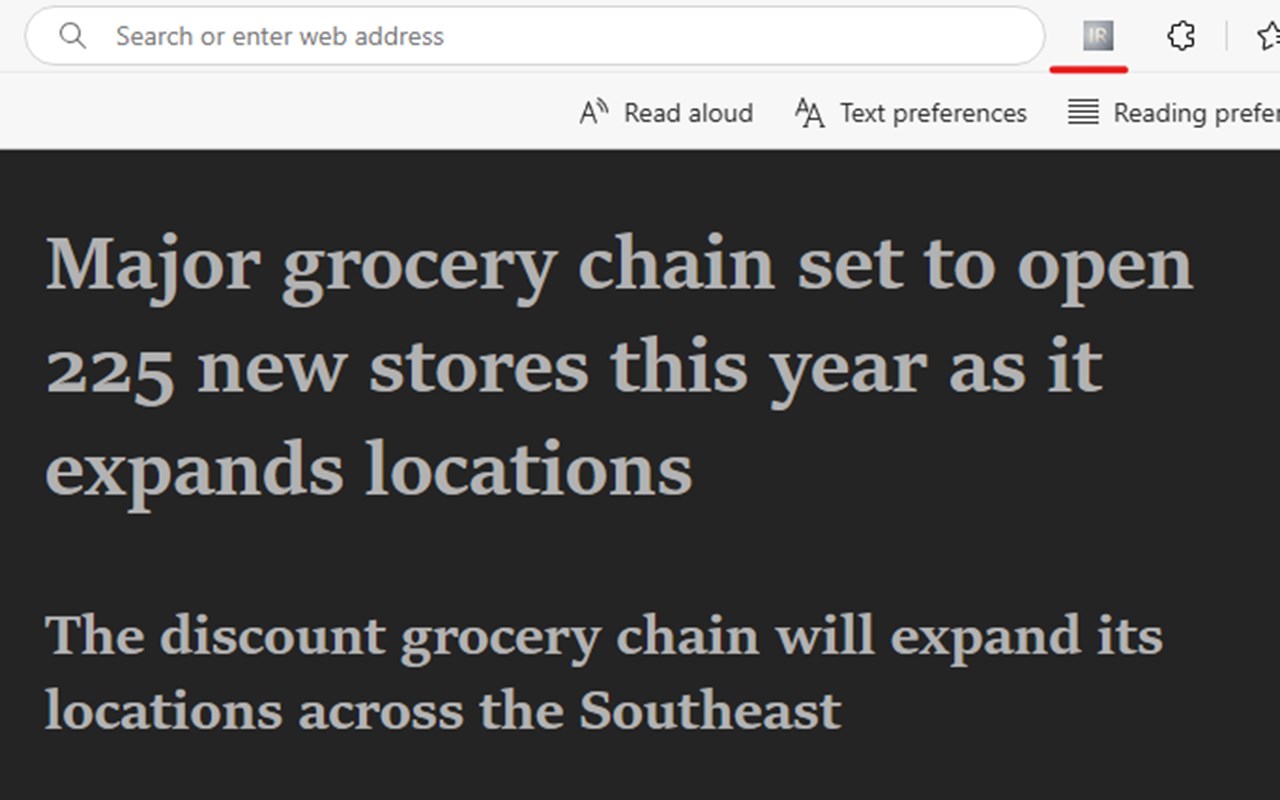
Always Show Immersive Reader Button, a Microsoft Edge extension designed to enhance your browsing experience. This simple tool adds a button to your toolbar, allowing you to enter Microsoft Edge's Immersive Reader mode on any webpage with a single click. By prepending "read:" to the current URL, it activates reading mode, making content easier to read and more accessible—perfect for articles, blogs, or any page you choose.
Built with Manifest Version 3 (MV3), this extension is lightweight, efficient, and respects your privacy. No private information is collected, and it only activates when you click the button. Whether you're a casual reader or need accessibility support, this extension is here to help.
Latest reviews
- Kenneth
- Perfect! It let me enter Immersive Reader. [it seemed to be hiding in my version of Edge].
- BRON
- Appears to work as advertised!