
PNL Reader: read quietly or read aloud
Extension Actions
Read any webpage quietly with dark mode, artistic fonts or read it aloud with natural sounding voices 📖
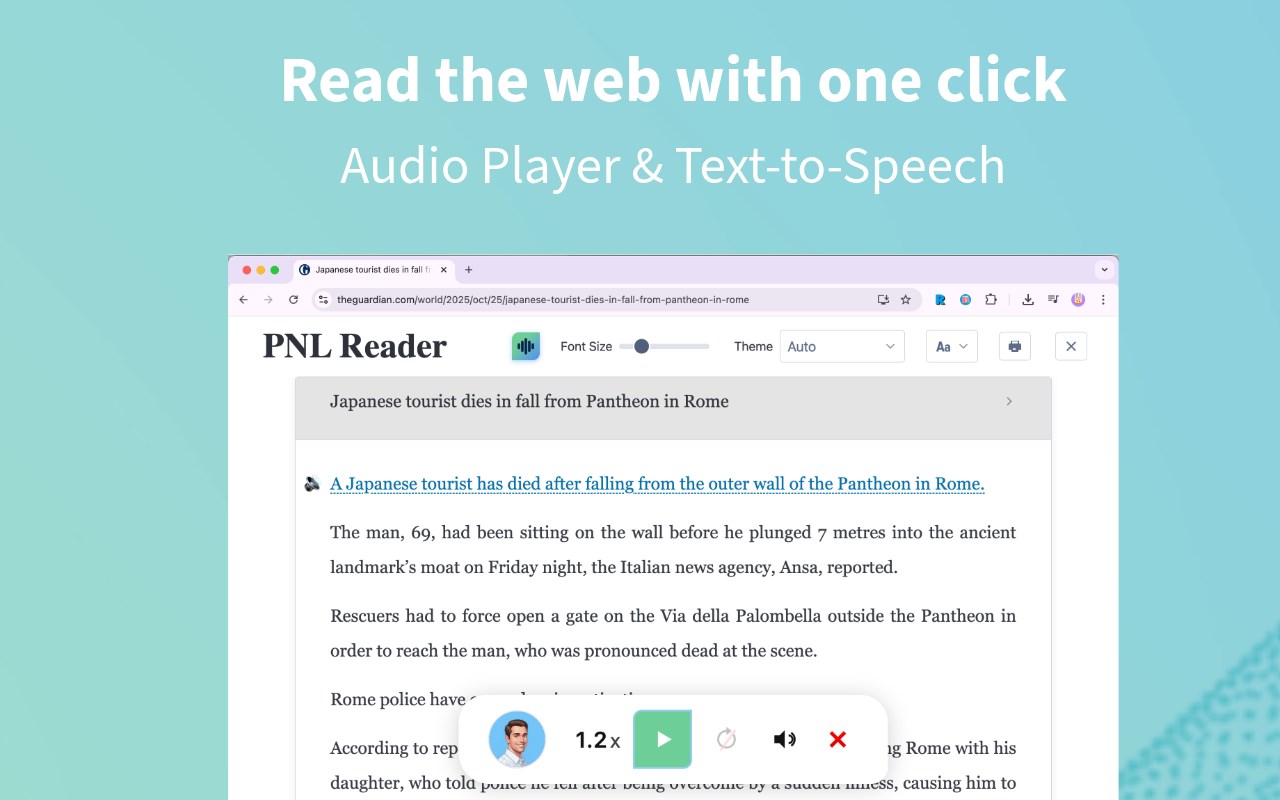
Elevate Your Reading with Audio, Dark Mode, Artistic Fonts, and Customizable Themes 📖
Main Features
1. Audio Player & Text-to-Speech 🔊: Select any text and have it read aloud with a natural-sounding audio player.
2. Multiple themes, including Dark and Light Mode 🎨: Switch between multiple themes—including Dark, Light, Solarized, Dracula, and more—to match your reading preference and reduce eye strain.
3. Paper-like Reading Page 📝: Enjoy a beautifully refined reading page with improved background, border, and shadow for a true paper feel.
4. PDF Reader with arXiv & More Support 📄: Seamlessly load and read PDFs from arXiv and many other sites, with integrated dictionary lookup.
5. Dictionary Integration 📚: Compatible with Dictionariez, allowing you to instantly look up any word on web pages by simply clicking on it.
6. Privacy First 🔒: PNL Reader respects your privacy by only using the ActiveTab permission to create reader mode on the webpage you clicked on, without requiring any additional host permissions.
7. Multiple Fonts 🖋️: Choose from handwriting and screen-friendly sans-serif fonts for your comfort.
8. Navigation Shortcuts ⌨️: Easily navigate to the previous or next page on popular web novel websites such as Wattpad, RoyalRoad and ScribbleHub with convenient keyboard shortcuts.
9. Open Source: https://github.com/pnlpal/pnl-reader
Dictionariez Integration
To look up any word on web pages, download and use Dictionariez: https://github.com/pnlpal/dictionariez#install
Feedback and Support
I'd love to hear your thoughts and suggestions! If you encounter any issues or have any feedback, please reach out to me at Programming N' Language Community: https://pnl.dev