
Prompt Flow
Extension Actions
Manage and organize your prompts for various AI services and applications.
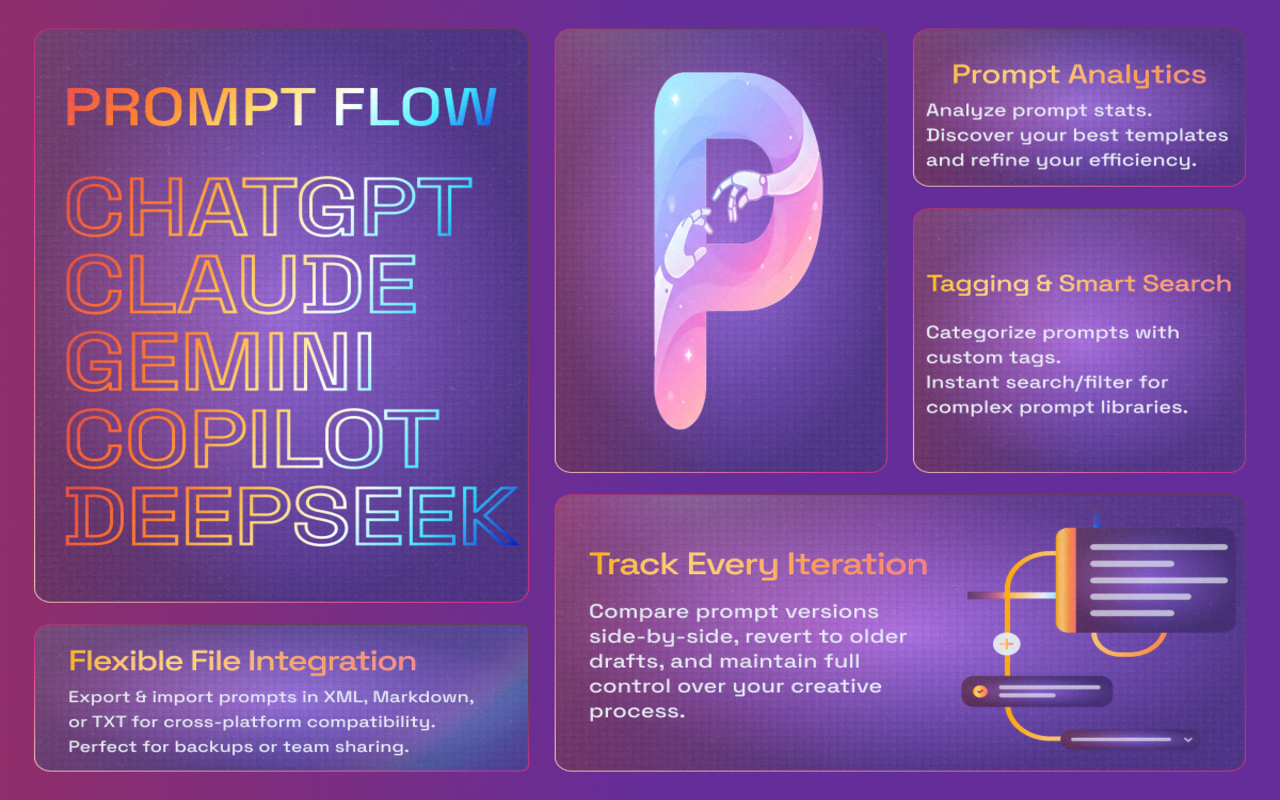
Tired of losing track of prompts or juggling endless drafts? Prompt Flow transforms your browser into a powerhouse for prompt management. Store, version, and optimize your AI workflows seamlessly—right from the browser’s side panel. Perfect for writers, developers, and AI enthusiasts!
Key Features
✨ Version Control
Compare historical drafts, restore old versions, and track changes like a pro—no more “final_final” files!
✨ Smart Organization
Tag prompts, search instantly, and categorize ideas for clutter-free creativity.
✨ Cross-Platform Flexibility
Export/import prompts in XML, Markdown, or TXT to share with teams or switch tools effortlessly.
✨ Usage Analytics
Discover your most-used prompts, track efficiency, and refine your workflow with data-driven insights.
✨ Always Accessible
Access your prompt library in one click via side panel—no tab-hopping or app-switching.
✨ Custom Service (Context Menu): Right-click selected text → pick Service + Action (with editable templates) to send it to your preferred AI instantly.
Why Prompt Flow?
✅ Save Time: Ditch manual tracking and focus on creating.
✅ Collaborate Smarter: Share polished prompts with collaborators in seconds.
✅ Never Lose Work: Version history ensures no idea disappears.
Get started for free and level up your prompt game with optional Premium features.
Ready to supercharge your prompt workflow? Install Prompt Flow now—it’s free, lightweight, and loved by creators worldwide!
Latest reviews
- Barış
- Works great and feels lightweight. Love being able to organize prompts and export them when I need to share or move them to another tool.
- nasooh
- So far, it's what all I want. I'd love if you can add a drop down or a right click just so that the input is filled without using the clipboard because If already copied that data, I want the prompt to run on so if I copy the prompt again, I have to go to the clipboard not just ctrl+v