
Recora: Screen Recorder with Auto Zoom
Extension Actions
- Extension status: In-App Purchases
- Live on Store
Turn screen recordings into engaging product demos and presentations with auto zoom, smooth panning and precise editing
★ FEATURES
✨Auto Zoom and Pan
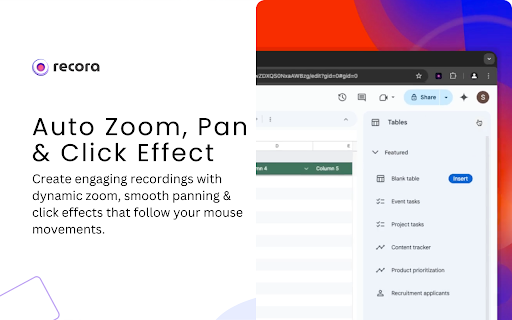
- Create engaging recordings with dynamic zoom and pan effects that follow your mouse movements, making them more interactive.
✨ Edit Zoom - Speed, Position and Duration
- Adjust, add or remove zoom, control pan speed and choose between fixed or cursor-following options.
✨ Hide Browser Frame
- Create a more focused and polished recording by removing the browser frame, highlighting only the content.
✨ Custom Background Presets with Image Upload
- Choose from preset backgrounds and color picker or upload your own image. Adjust background size and blur.
✨ Split and Trim Video
- Cut your video into segments and trim them as needed for a more precise edit.
✨ Click Effects
- Highlight click events with preset click effects to showcase interactions.
✨ Export to Fit Screen Size
- Export your recording in various aspect ratios, with customizable video quality and size.
✨ Offline Data and History
- All data stays on your device. View your recording history and edit or delete them as needed.
🔥 Redefine screen recording; capture and create with ease using Recora.
------------------------------------------------------------------------------------------
ℹ️ Feature request and bug report:
- For any issues or feedback, don't hesitate to contact us at [email protected] or visit our website for more details: https://recora.studio.
Thank you for helping us improve our extension!
Latest reviews
- Digital Detox Labs
- Really good and polished tool! Other similar extensions ask for a signup and payment, this is completely free, which I loved! Just wasn't able to export the video completely, maybe its my laptop, rest all is well built!