
Keep Screen On
Extension Actions
Prevent your display or whole device from sleeping with one click.
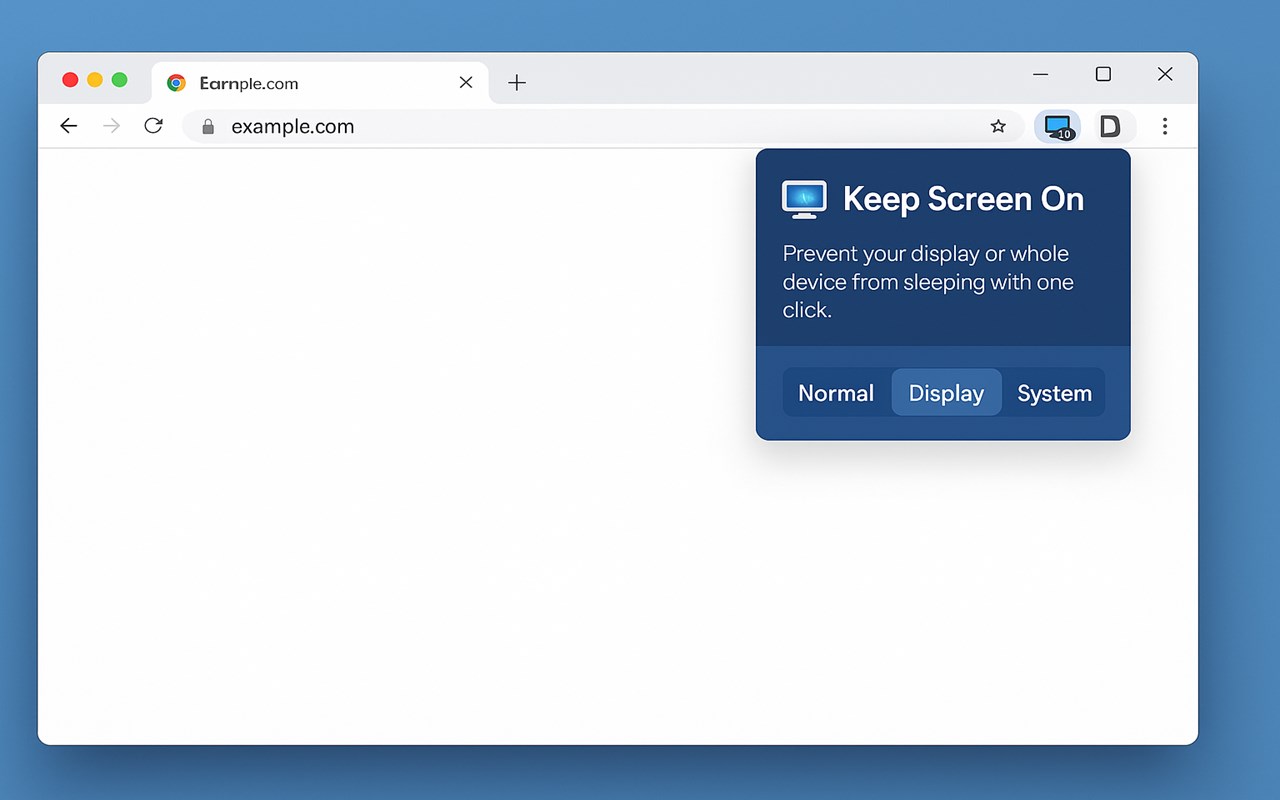
Keep Screen On is a minimalist extension that does one thing exceptionally well: it prevents your display—or your entire system—from dozing off at the worst possible moment.
At its heart, Keep Screen On offers a three-state toggle that cycles each time you click the toolbar icon:
Normal – Default behavior; no power lock.
Display – Keeps the monitor awake but lets the CPU idle normally.
System – Keeps both the display and CPU awake, ideal for long builds or overnight tasks.
A concise badge—blank, D, or S—shows your current state at a glance.
Who Will Benefit Most?
User Group
Presenters & Trainers
Screens dimming mid-demo Display mode holds the projector image steady without pegging the CPU.
Developers / DevOps
Long builds, CI agents, Docker pulls System mode stops sleep during multi-hour compiles or log tailing.
Media Consumers
Watching webinars, movies, or livestreams Display mode stops the video from pausing when you’re hands-off.
Remote Workers
Maintaining “active” presence in corporate chat Tiny badge shows state without relying on system-wide settings.
Researchers & Analysts
Data exports or simulations overnight System mode lets number-crunching continue while you step away.
Even casual users—say, someone following a cooking tutorial—appreciate not having to wiggle the mouse every few minutes.
Why You Should Download It Zero Learning Curve – One click cycles modes; the badge tells you which state you’re in.
Energy-Aware – Releases locks instantly when you return to Normal, preserving battery and system thermals.