
AI Quick Action
Extension Actions
Manage reusable prompts and quickly run them across multiple AI sites.
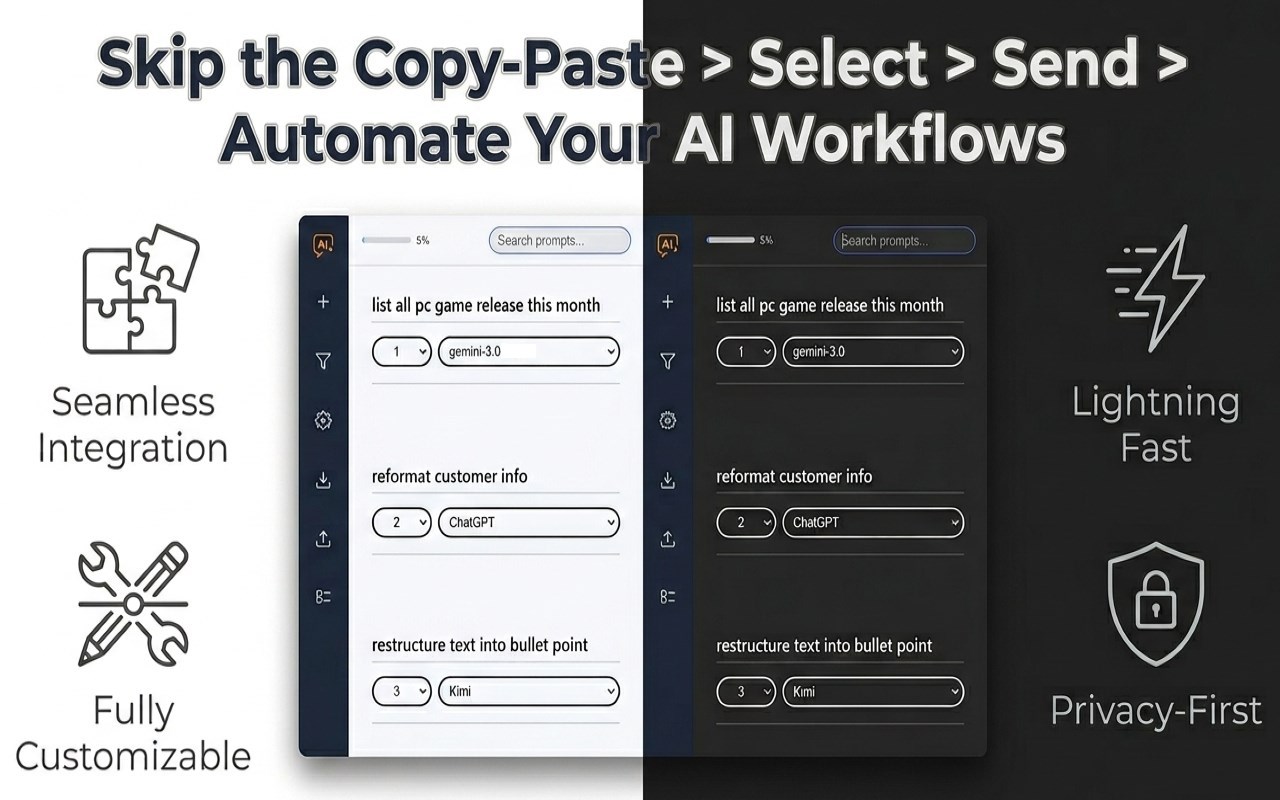
AI Quick Acton
Skip Copy-Paste ➔ Select ➔ Send ➔ Automate Your AI Workflows
What It Does
_________________________________
* AI Quick Action is a productivity extension that automates sending saved prompts to AI tools like ChatGPT or Gemini.
* Instead of copying text and manually opening new tabs, you highlight text on any webpage and press a shortcut or floating icon.
* The extension automatically opens the AI site, pastes your prompt along with the highlighted text or clipboard text, and submits it for you.
Key Features
_________________________________
* Pre-configured for major platforms: Works immediately with ChatGPT, Gemini, DeepSeek, Perplexity, Grok, Qwen, Kimi, and Google AI Studio.
* Advanced prompt delivery: Simulates real keystrokes and clicks to bypass restrictions and ensure your prompt sends successfully on strict websites.
* Multiple trigger options: Launch prompts via custom keyboard shortcuts, a floating text-selection icon, or the right-click context menu.
* Dedicated popup windows: Opens AI chats in isolated windows so you never lose your place on the original webpage.
* Dynamic templates: Uses smart placeholders to automatically insert context into your prompts:
{}: Injects your highlighted text.
{url}: Injects the current web address.
{date} and {time}: Injects the current timestamp.
{email} and {phone}: Auto-extracts contact info from your highlighted text.
How to Use It
_________________________________
* Open the extension popup and create a new prompt using placeholders, such as asking the AI to summarize text using `{}`.
* Highlight the relevant text on any webpage you are currently viewing.
* Trigger the prompt using your keyboard shortcut, the floating menu, or the right-click context menu.
Use Cases
_________________________________
* Highlight a complex paragraph and trigger a shortcut to get an instant summary in a side window.
* Highlight a broken code snippet and right-click to instantly ask DeepSeek to find the bug.
* Highlight a messy email thread and use a prompt with the `{email}` placeholder to quickly extract and format contact information.