
Overlay Image Tool
Extension Actions
Compare images by overlaying them on websites.
Compare images by overlaying them on websites.
A tool that allows you to overlay design images on a website to compare and check if it matches the design when creating a website.
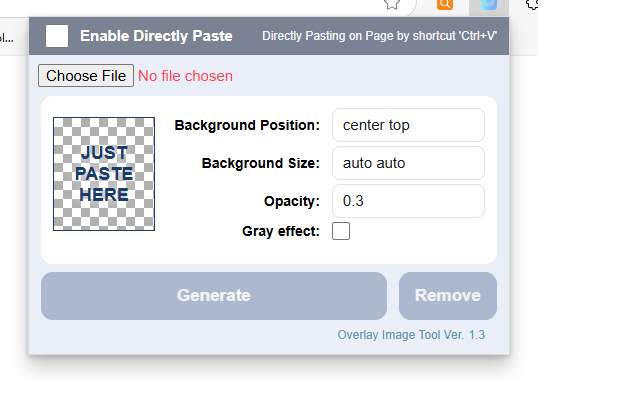
1. Enable Directly Paste: When this option is checked, you can directly paste an image from the clipboard into the current tab. It can be used with basic options, and once pasted, the image's position can be adjusted using the arrow keys on the keyboard.
2. Choose File: You can select a downloaded image and overlay it on the current tab. Position and size can be adjusted using option settings.
3. Without selecting an image, you can copy it to the clipboard and then paste it into the extension's popup window. Afterward, you can overlay it on the current tab.
Tip: You can copy an image to the clipboard from Figma using Ctrl + Shift + C, and then paste the image into the current tab.