
Ask Screenshot for ChatGPT
Extension Actions
Take a screenshot on any page and ask ChatGPT about it.
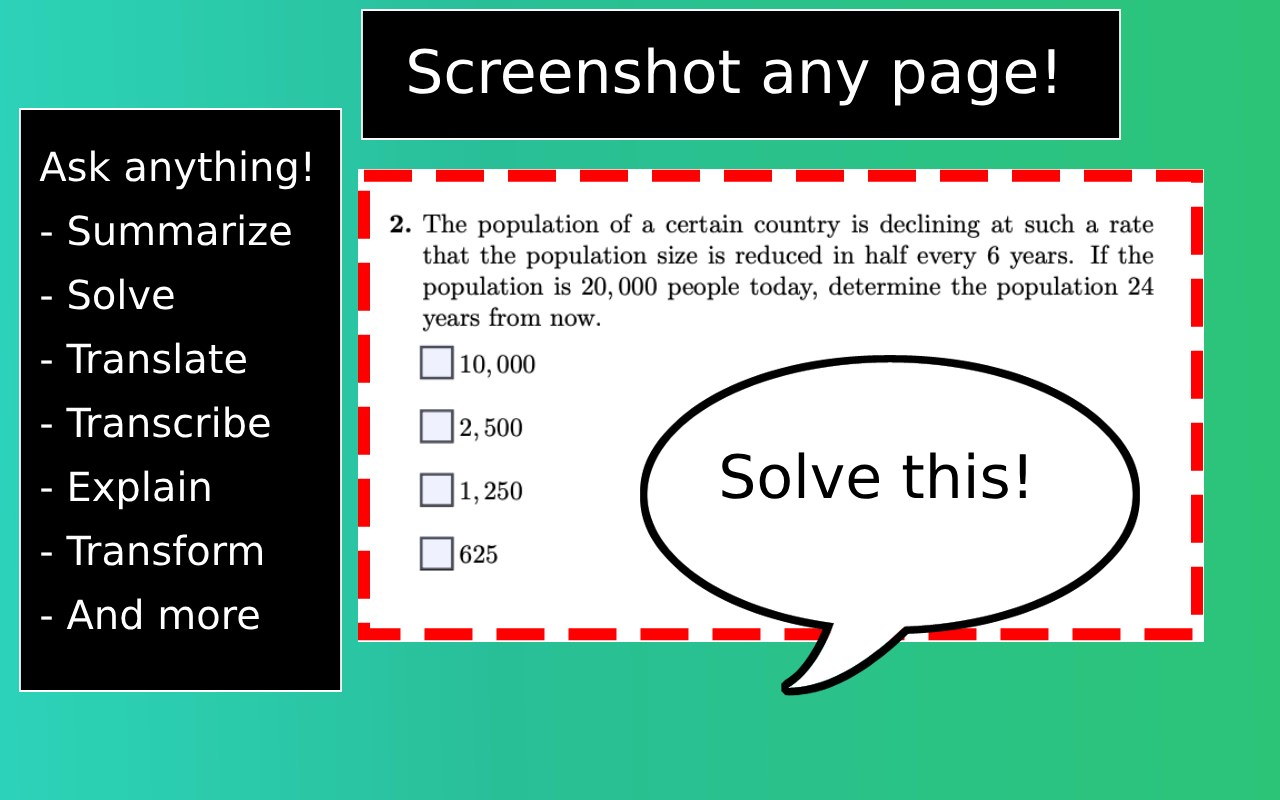
Level up your ChatGPT productivity to a higher dimension. Ask Screenshot is a game changer for anyone looking to amplify their workflow.
⭐ Main Features
[ Screenshot and Analyze ] • Take a screenshot and automatically open with ChatGPT. You can ask anything about the screenshot or use a predefined template like Summarize, Transcribe, Transform Style, and more. (ChatGPT Plus required)
[ Text Select and Analyze ] • Right click on any text selection to automatically open it with ChatGPT. Use predefined templates like Explain, Translate, Solve, and more. (ChatGPT Plus optional)
⭐ Templates
[ Interactive mode ] • Ask anything about the screenshot or text selection.
[ Predefined Templates ] • Use predefined templates like summarize, explain, answer, translate, and more.
[ Fully Customizable ] • All templates are customizable to fit your workflow and needs.
⭐ How to Use
[ Screenshots ] • Right click on any page and hover over "Ask GPT" to see the available templates.
[ Text Selection ] • Right click on any text selection and hover over "Ask GPT" to see the available templates.
⭐ Privacy
[ Privacy First ] • NO data collection. NO trackers.
[ Privacy Policy ] • https://github.com/polywock/ask-screenshot/blob/main/PRIVACY_POLICY.md