
Web screenshot for Edge
Extension Actions
Activate this extension to take screenshot of any webpage or any articles with just one click.
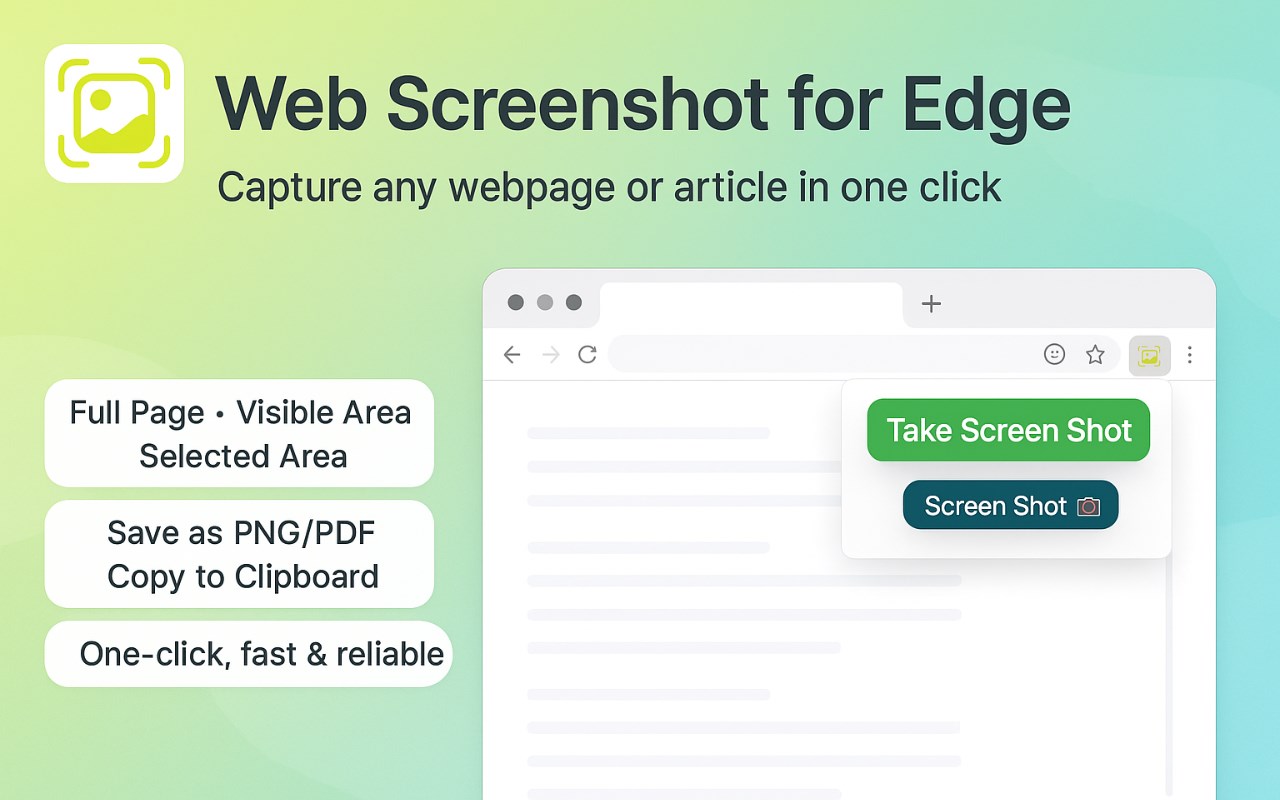
Activate this extension to take screenshot of any webpage or any articles with just one click
Want to save a webpage or an image? This one-click webpage screenshot for edge extension has got you covered! Tired of scrolling through pages and images? It allows you to capture a snapshot of any webpage from top to bottom with just one click.
It's a highly useful extension that can be easily added to Edge, saving you time and energy. Capture full articles, research materials, or any information for reference or sharing effortlessly.
Key Features of the Web Screenshot Edge Extension:
Quick Activation: Simply click the activation button to take full-page or article screenshots instantly.
Comprehensive Capture: Capture entire pages without needing to scroll or take multiple screenshots.
Efficiency Boost: Streamline your workflow by efficiently collecting images from the internet, saving time and energy.
Hassle-Free Integration: Easy installation extends Edge functionality, simplifying screenshot capture of anything that catches your eye.
How to Use the Extension:
1. Activate the Extension:
First, install the extension from the Edge add-ons Web Store. Click the Web Screenshot Edge extension icon in the browser toolbar to activate it.
2. Capture Web Content:
Once activated, browse the webpage or article you want to capture. Click the extension icon to open the main page of the extension, then click again to take a screenshot.
3. Access Full Page Snapshot:
Capture the entire webpage from top to bottom to ensure a comprehensive view of the content.
4. Save and Share:
After taking the screenshot, copy it to your computer or device for later use, or share it via email, instant messenger, or your preferred social network.
Why Web Screenshot for Edge is Useful:
The Web Screenshot for Edge extension enhances the process of capturing web content, making it invaluable for professionals across various fields, students, and researchers. It saves time by efficiently capturing data, facilitates academic referencing for students, and aids professionals in content creation without manual effort.
For Whom It Is Useful:
It is highly beneficial for research, curation, and archiving tasks performed by marketers, designers, and any web user. Its user-friendly interface ensures accessibility for all types of users, enhancing efficiency and enjoyment of web browsing.