
Localhost Project Switcher
Extension Actions
Detect running localhost servers and quickly switch between development projects.
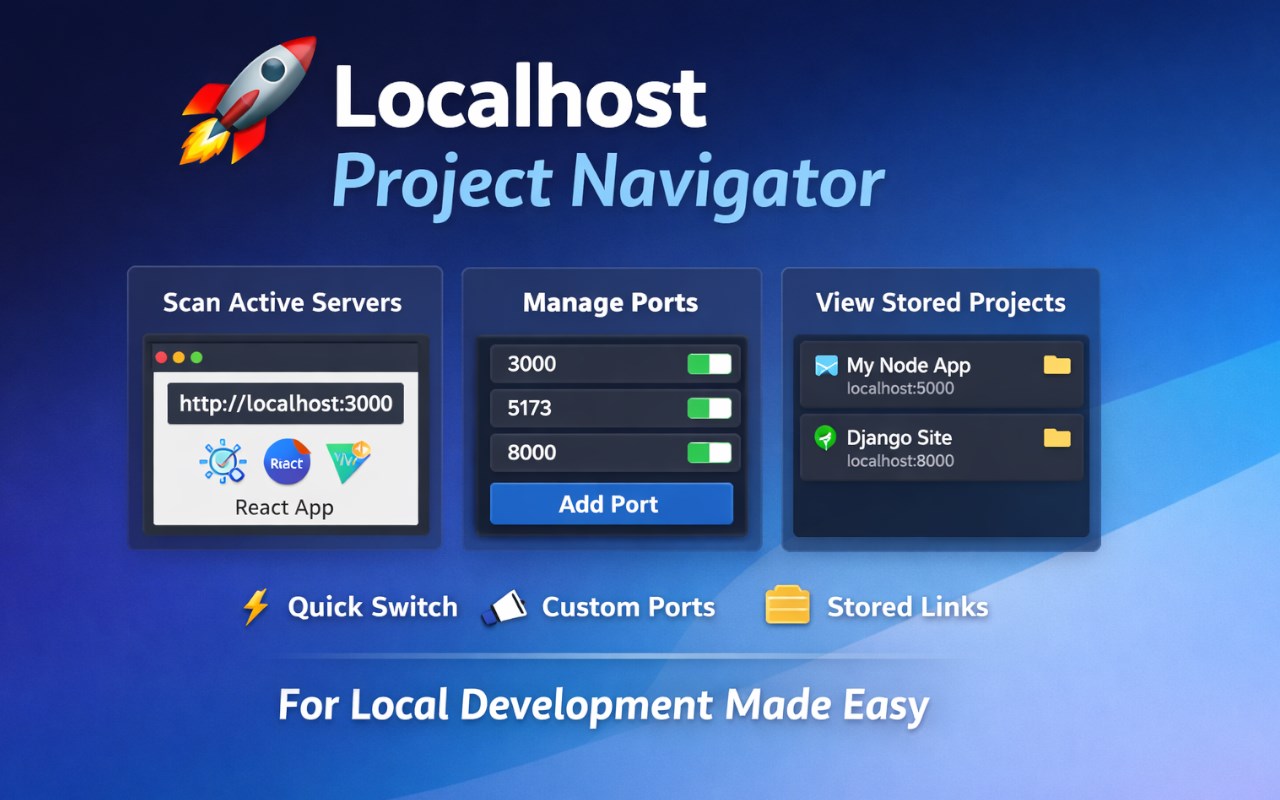
Localhost Project Navigator is a lightweight productivity extension designed for developers who work with multiple local development servers.
The extension automatically scans commonly used localhost ports and detects running projects such as React, Vite, Django, Flask, Node, and other local servers. It provides a clean, tab-based interface that allows developers to quickly switch between active projects, manage scanning ports, and view stored project information — all from a single popup.
🔍 Scan
Automatically detects running localhost servers
Identifies active ports in real time
Displays project name, framework icon, and quick open action
One-click access to open projects in a new tab
🔌 Ports
Predefined default ports for common development frameworks
Add custom ports to be included in scanning
Remove only user-added ports (default ports are protected)
Clean grid-based port view with visual distinction between default and custom ports
Scrollable port list for better usability
📦 Stored
View all previously detected projects
Displays project name, port number, and framework icon
Quickly open stored projects even when not currently scanning
🎨 Additional Features
Smart project naming with editable titles
Prevents duplicate project entries
All data stored locally using browser storage
No external servers, analytics, or tracking
Localhost Project Navigator is ideal for frontend developers, backend developers, full-stack engineers, testers, and anyone who frequently runs multiple local environments.