
Color Picker
Extension Actions
Simple color picker - click to pick any color from the page and copy it
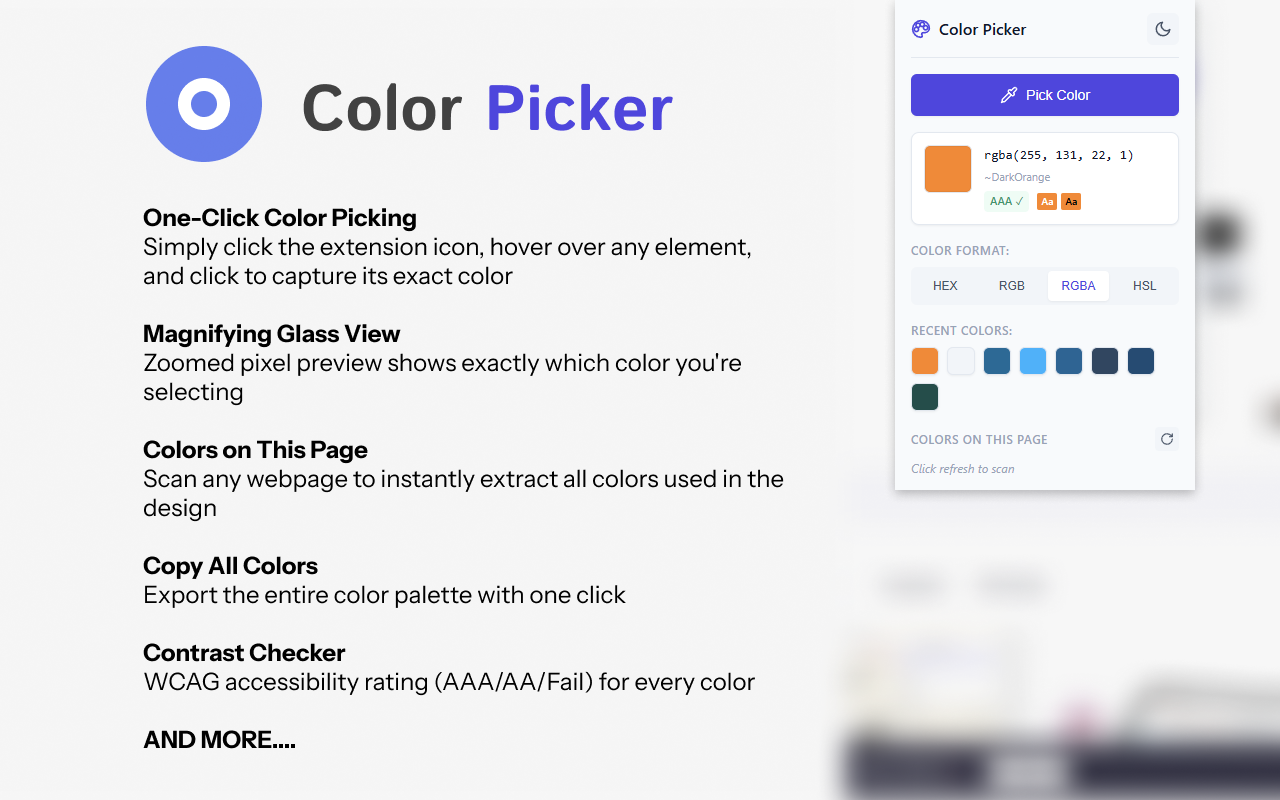
Color Picker is a lightweight and powerful browser extension that lets you instantly identify and copy any color from any webpage.
🎯 KEY FEATURES:
• One-Click Color Picking - Simply click the extension icon, hover over any element, and click to capture its exact color
• Magnifying Glass View - Zoomed pixel preview shows exactly which color you're selecting
• Colors on This Page - Scan any webpage to instantly extract all colors used in the design
• Copy All Colors - Export the entire color palette with one click
• Keyboard Shortcut - Instantly activate with Alt+Shift+C
• Contrast Checker - WCAG accessibility rating (AAA/AA/Fail) for every color
• Color Names - Shows the closest CSS named color (Tomato, RoyalBlue, etc.)
• Multiple Color Formats - Instantly switch between HEX, RGB, RGBA, and HSL formats
• Auto-Copy to Clipboard - Colors are automatically copied when selected
• Color History - Quick access to your 8 most recently picked colors
• Precision Crosshair - Clear cursor indicator shows exactly where you're sampling
• Light & Dark Themes - Choose your preferred appearance
🎨 PERFECT FOR:
• Web Designers matching colors from inspiration sites
• Developers needing exact color values from mockups
• Digital Artists sampling colors from references
• Anyone who needs to identify colors quickly
⚡ FAST & LIGHTWEIGHT:
• No bloat - does one thing and does it well
• Minimal permissions required
• Zero impact on browsing performance
Simply click "Pick Color", move your mouse over any color on the page, and click to copy. It's that easy!