
SnapToClipboard
Extension Actions
CRX ID
aaomjalmkddnikadkhpilpdphepbjeeb
Description from extension meta
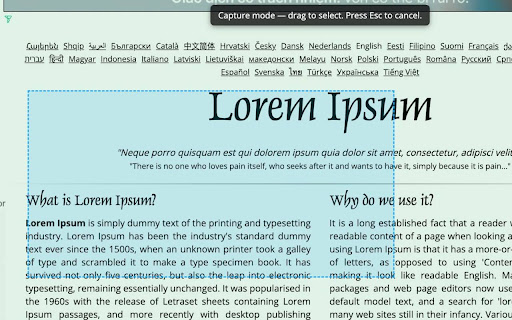
Click toolbar button to select a region and copy it to clipboard.
Image from store
Description from store
A lightweight Chrome extension that lets you quickly capture any part of a webpage.
Just click the extension icon, drag to select the area you want, and the screenshot is instantly copied to your clipboard — no extra steps, no downloads.
Perfect for developers, designers, and anyone who needs fast, precise screenshots.
Key features:
- Click → drag to select any area of the page
- Automatically copies the screenshot to clipboard
- No popups, no file saving required
- Fast, simple, and lightweight
Latest reviews
- Henry (Hung Tran) - Unity - VN
- Exactly what I needed, it just worked 😄 Thanks!