
Delete Facebook Messages
Extension Actions
A lightweight and powerful browser extension that allows you to archive or delete facebook messages.
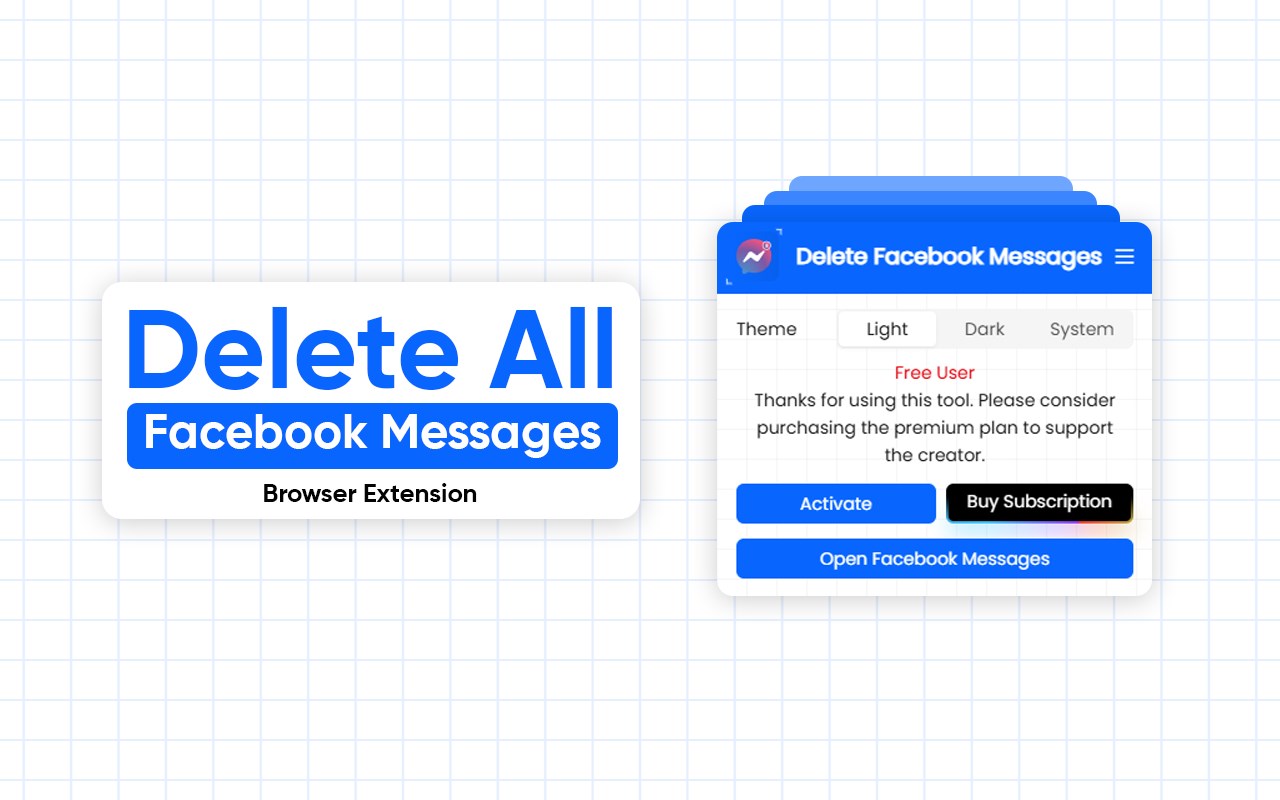
🧹 Delete Facebook Messages - Browser Extension
A lightweight and powerful browser extension that allows you to archive or delete Facebook messages in single click. Simplify your workflow by managing your conversations in bulk instead of one-by-one.
🚀 Features
- 🗑️ Bulk delete Facebook/Messenger conversations
- 📦 Archive chats you want to keep but hide
- 🧠 Smart UI that integrates seamlessly with Facebook interface
How to use:
1. Install the "Delete Facebook Messages" extension in your browser.
2. Visit Facebook Messages Page
3. Click on the icon of the "Delete Facebook Messages" extension.
4. - Select "Start Archiving" to archive all of your messages.
- Select "Start Deleting" to delete all of your messages.
5. Done