Screenshot with URL - Full Page, No Bookmark, Screen Recording, Network Log
Extension Actions
Capture full page, visible & selected area screenshots with URL bar & hidden Bookmarks, record screen with inbuilt editor.
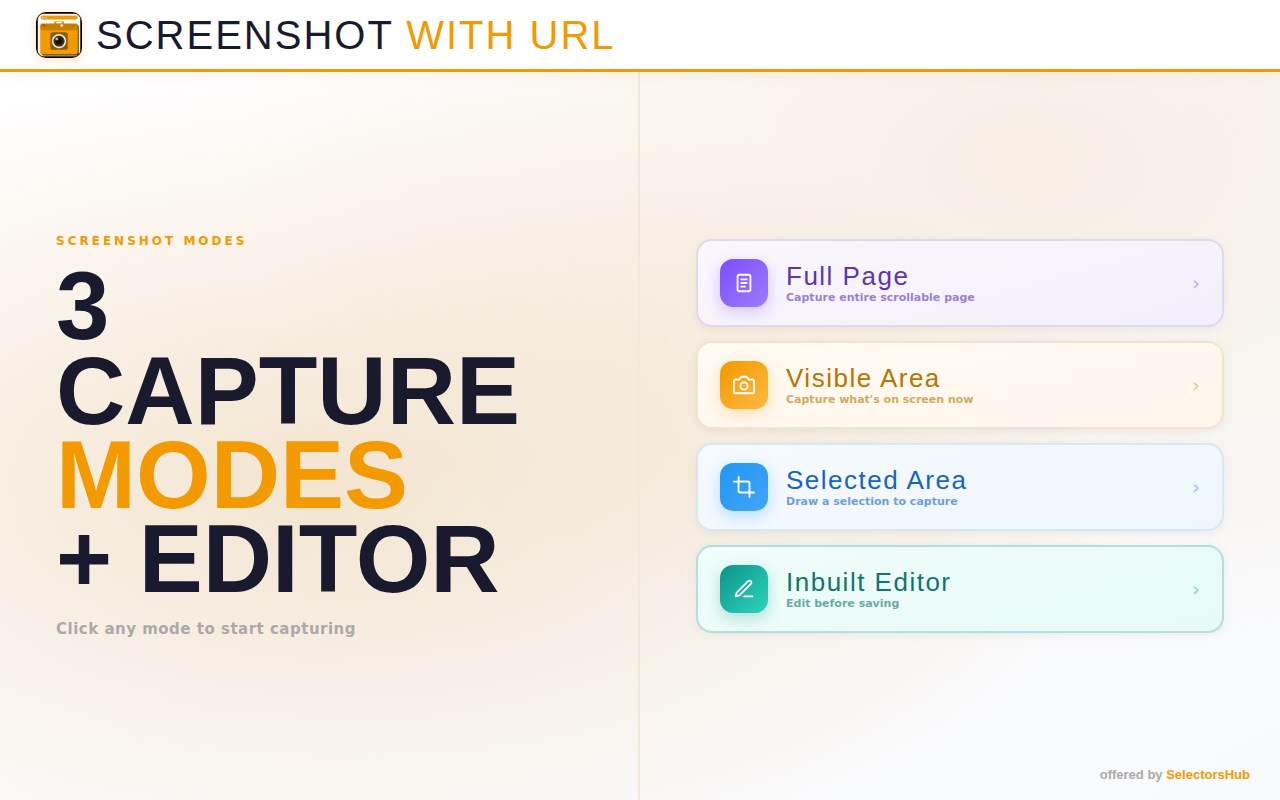
The easiest way to take full page, visible or selected area screenshots that include the url and hidden bookmarks automatically. It can also capture Network logs, Console logs, Dynamic Dropdown, Calendar dropdown. It can also take full email screenshot.
Perfect for bug reports, documentation, tutorials, and sharing web content with context.
How to use:
1. Just install it and pin it to tool bar.
2. Now click on the logo and click on the respective button to take screenshot.
3. It will automatically take screenshot and save in the download folder.
4. Click on setting to customise options.
✨ KEY FEATURES
- Full Page Capture - Capture entire scrollable pages automatically
- Visible Area Capture - Instantly capture what's on screen
- Capture selected area screenshot
- Hide the Bookmarks in the screenshot
- Record screen with audio
- URL Address Bar - Adds a realistic browser address bar showing the page URL
- Built-in Editor - Annotate with pen, arrows, shapes, text, highlight & blur tools
- Take screenshot by pausing dynamic dropdown, calendar
- Multiple Formats - Save as PNG or JPEG
- Custom Save Location - Choose your preferred download folder
- Two URL Bar Styles - Edge Dark or Minimal Light theme
- Capture the console logs and network logs in the screenshot - it can be enabled from settings.
🎨 EDITING TOOLS
✏️ Pen - Freehand drawing
➡️ Arrow - Point to important elements
⬜ Rectangle - Highlight areas
⭕ Circle - Circle important content
🔤 Text - Add text annotations (draggable)
🖍️ Highlight - Semi-transparent marker
🔲 Blur - Pixelate sensitive information
📁 SMART FILE NAMING
Screenshots are automatically named with the domain and timestamp:
Example: github_com_20240203_143052.png
💡 PERFECT FOR
- Bug reports & QA testing
- Documentation & tutorials
- Sharing web content with URL proof
- Archiving web pages
- Client presentations
- Social media content
🔒 PRIVACY
- No data collection
- No account required
- Works 100% offline
- Screenshots stay on your device
For any issue please write to us at [email protected]