QRCGen — QR Code Generator
Extension Actions
Generate QR codes, copy share links, and embed snippets. Side panel workflow, offline preview, canonical SVG URLs.
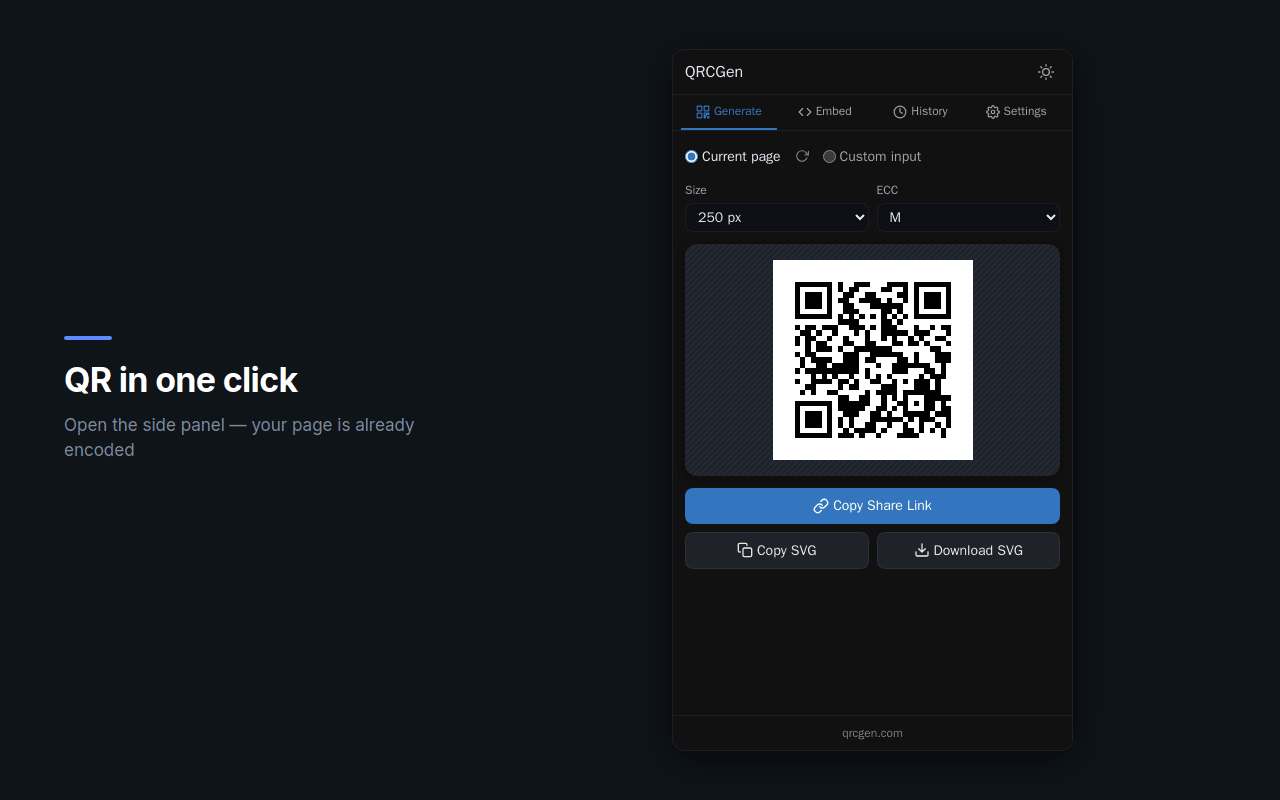
QRCGen generates QR codes directly in the browser side panel — no popups, no new tabs, no interruptions.
FEATURES
- Side panel UI — always accessible, doesn't block the page
- Instant preview — QR codes generated locally, no network needed
- Ultra-lightweight SVGs — ~5 KB each, single optimized path
- Share links — permanent URLs at qr.qrcgen.com with global CDN caching
- Embed snippets — HTML, Markdown, React, Vue formats ready to paste
- History — recent QR codes stored locally for quick access
- Dark and light theme — with auto-detection
- 2 languages — English, Russian
HOW IT WORKS
1. Click the extension icon — the side panel opens with a QR code for the current page
2. QR code is generated locally — instant, works offline
3. Copy the share link, download the SVG, or grab an embed snippet
4. Share links resolve to edge-cached images that load instantly worldwide
PRIVACY
QRCGen runs entirely in your browser. QR codes are generated locally — no data is sent for the preview. The only network request is a cache-warming fetch so share links load fast for recipients. No accounts, no tracking, no analytics.
PERMISSIONS
- Side Panel — to display the extension UI
- Storage — to save your settings and history locally
- Active Tab + Tabs — to read the URL of your current page
Open source: https://github.com/investblog/qrgen