
AVIF Export
Extension Actions
Professional tool to grab, resize, and export AVIF images from any website.
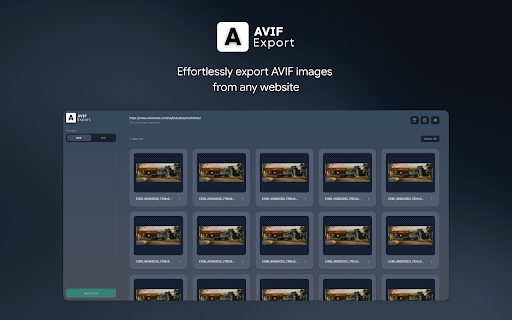
AVIF Export is a high-performance utility designed for developers, designers, and web enthusiasts who need a reliable way to grab AVIF assets from any website.
Features:
- Deep Scan: Automatically detects AVIF files within <source>, srcset, and data-attributes, bypassing scroll-based lazy loading.
- Smart Dashboard: View all detected images in a beautiful, grid-based interface with light and dark mode support.
- Batch Export: Download your selected images as individual files or bundle them into a single, high-speed ZIP archive.
- Precision Control: Rename files on the fly and use the built-in dimension editor to resize images while maintaining perfect aspect ratios.
How to Use:
1. Navigate to any website containing AVIF images.
2. Click the AVIF Export icon in your toolbar.
3. Select the images you want from the dashboard.
4. (Optional) Rename or resize your selection using the Image Settings modal.
5. Click Download to save your files instantly.