
Magnifying Glass
Extension Actions
CRX ID
bkeiffpnachgcdbkmdehhenlojfjhpme
Description from extension meta
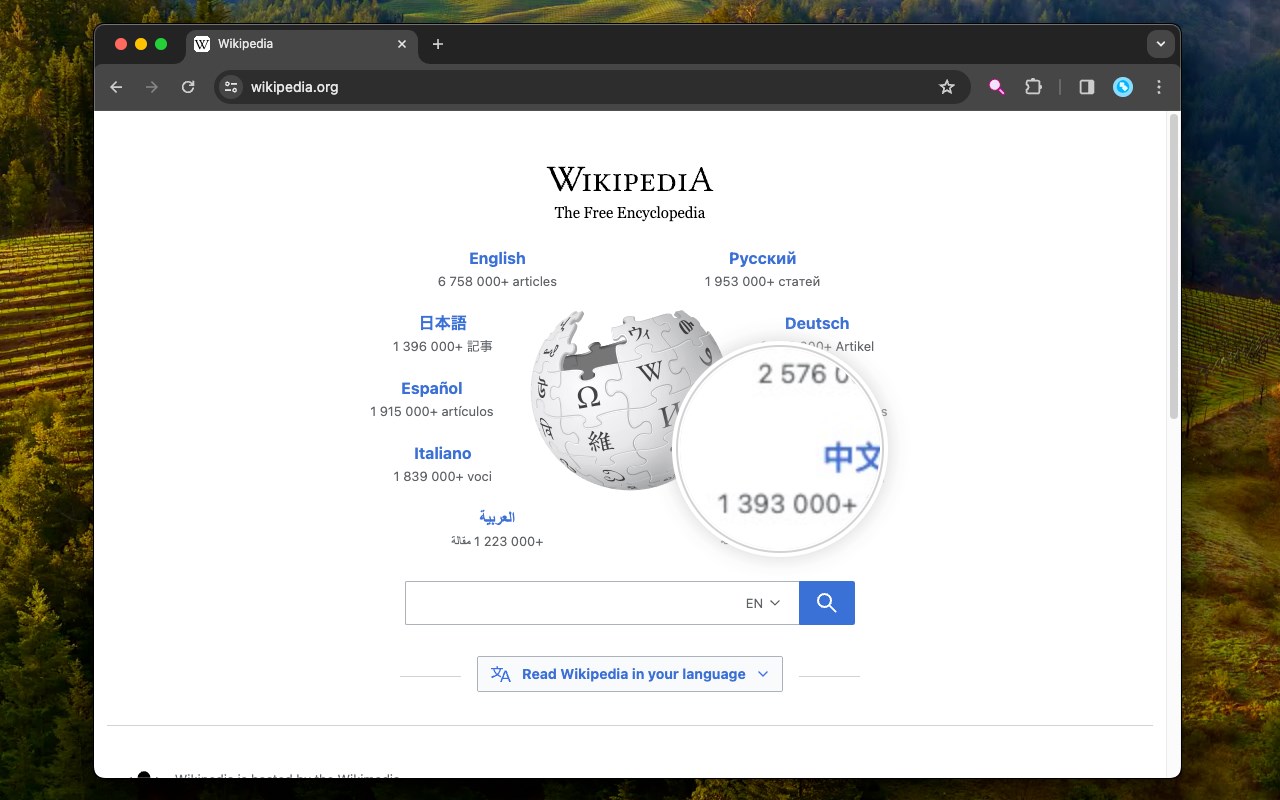
Convert your mouse cursor to a high-quality magnifying glass
Image from store
Description from store
This extension transforms your cursor into a magnifying glass, enlarging the current object beneath it. You can adjust the size of the lens and the scaling value through the right-click context menu over the action button.
To turn off the magnification and revert to the default cursor, use the left-click or the Escape key on your keyboard.
When the extension is active, the action button appears red; when it is inactive, the color is blue.