
ERNIE AI Browser Assistant
Extension Actions
Easy AI assistant: quickly explain/summarize/translate & web search. ERNIE helps you learn faster.
ERNIE – An easy-to-use AI assistant
Browse, understand and create more efficiently
🎉 The newly upgraded「ERNIE Browser Extension」is here!
Whether you're doing research, reading academic papers, browsing the news, or learning a new language, simply highlight text or open the sidebar to bring up a powerful AI assistant. ERNIE can explain web content right away, summarize key points, translate passages and generate answers, making reading easier and helping you get information faster.
🌟 Key Features
Smart text selection toolbar: Highlight any text to instantly translate, ask questions, search, or summarize. No need to switch pages. The information you need is right at your fingertips.
Floating ball, ready anytime: On any webpage, tap the floating ball to instantly open ERNIE for Q&A, summarization, or content generation.
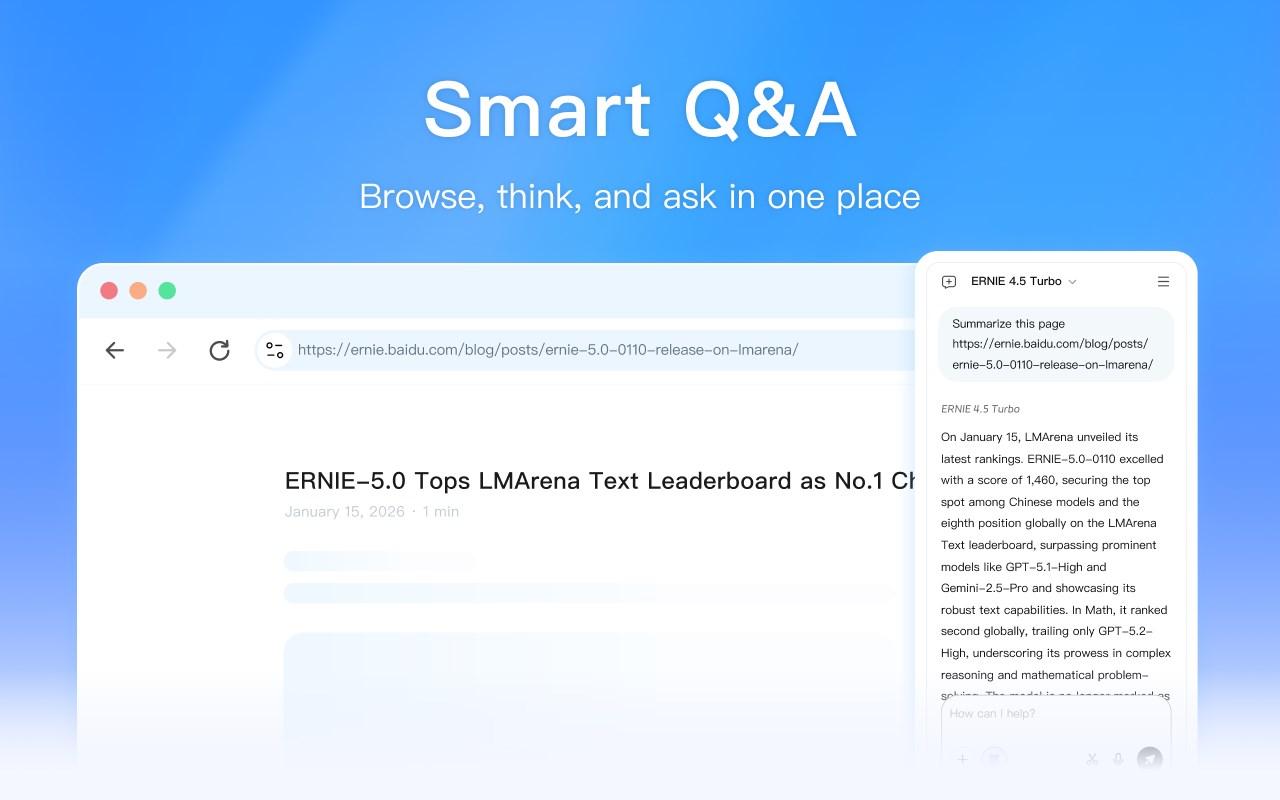
AI sidebar chat: Chat with ERNIE in real time on the right side of your browser. It supports quoting content from the current page, so you can think while you read.
Screenshot Q&A: Capture a screenshot with one click and let ERNIE analyze visual content to easily understand charts, webpages, or key information in images.
🌐 Service Notes
To ensure a more stable service experience, the extension will automatically connect to the most suitable service node based on your access IP address for ultra-fast response. Please review and comply with the corresponding User Service Agreement and Privacy Policy based on your location.
💡 Read and think faster with AI
Make information less fragmented and understanding simpler.
Install the ERNIE browser extension now for a more efficient and smarter web experience.