
Copy Unlocker
Extension Actions
Enable or restore copy & right‑click on any website
主要功能 / Main Features
一键解除复制限制 / One-click disable copy restrictions
一键启用右键菜单 / One-click enable right-click menu
一键恢复全选功能 / One-click restore full text selection
一键允许粘贴操作 / One-click allow paste operations
适用场景 / Applicable Scenarios
在百度文库、腾讯文档、金山文档、起点文学、豆瓣读书等平台自由复制内容 / Freely copy content on platforms such as Baidu Wenku, Tencent Docs, WPS Docs, Qidian Literature, Douban Books, etc.
插件特色 / Plugin Highlights
点击工具栏图标即可立即解除限制 / Click the toolbar icon to instantly remove restrictions
操作简单,界面直观 / Simple operation, intuitive interface
自动记忆已解锁的网站,下次访问无需重复操作 / Automatically remembers unlocked websites; no need to repeat the action on your next visit
使用方法 / How to Use
打开网站: 打开任意禁止复制或禁用右键的网站。 / Open Site: Open any website that restricts copying or disables the right-click menu.
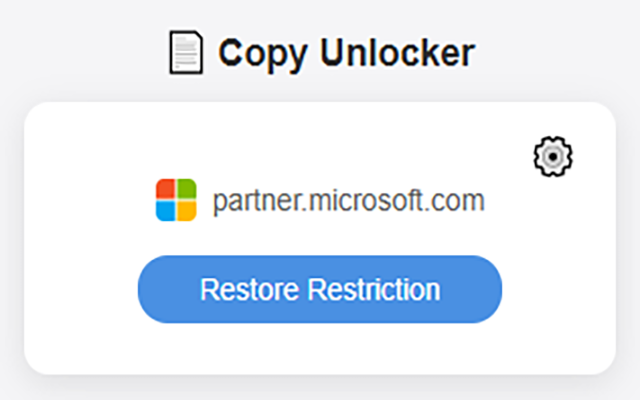
点击图标: 点击浏览器工具栏中的“万能复制”图标。 / Click Icon: Click the "Universal Copy" icon in your browser's toolbar.
解锁成功: 图标点亮后,即表示解除限制,您即可复制、右键、全选或粘贴内容。 / Unlocked: Once the icon is highlighted, restrictions are removed. You can now copy, right-click, select all, or paste content.
提示 / Tip:
如果要恢复网站的原始行为,只需再次点击图标,页面将自动刷新并恢复默认设置。 / To restore the website's original behavior, simply click the icon again. The page will automatically refresh and revert to its default settings.