
Mail Checker for Outlook™ | Save email to PDF, TXT or HTML
Extension Actions
Mail Checker for Outlook™ lets you receive emails, save as PDF, TXT, or HTML, reply, and get notifications.
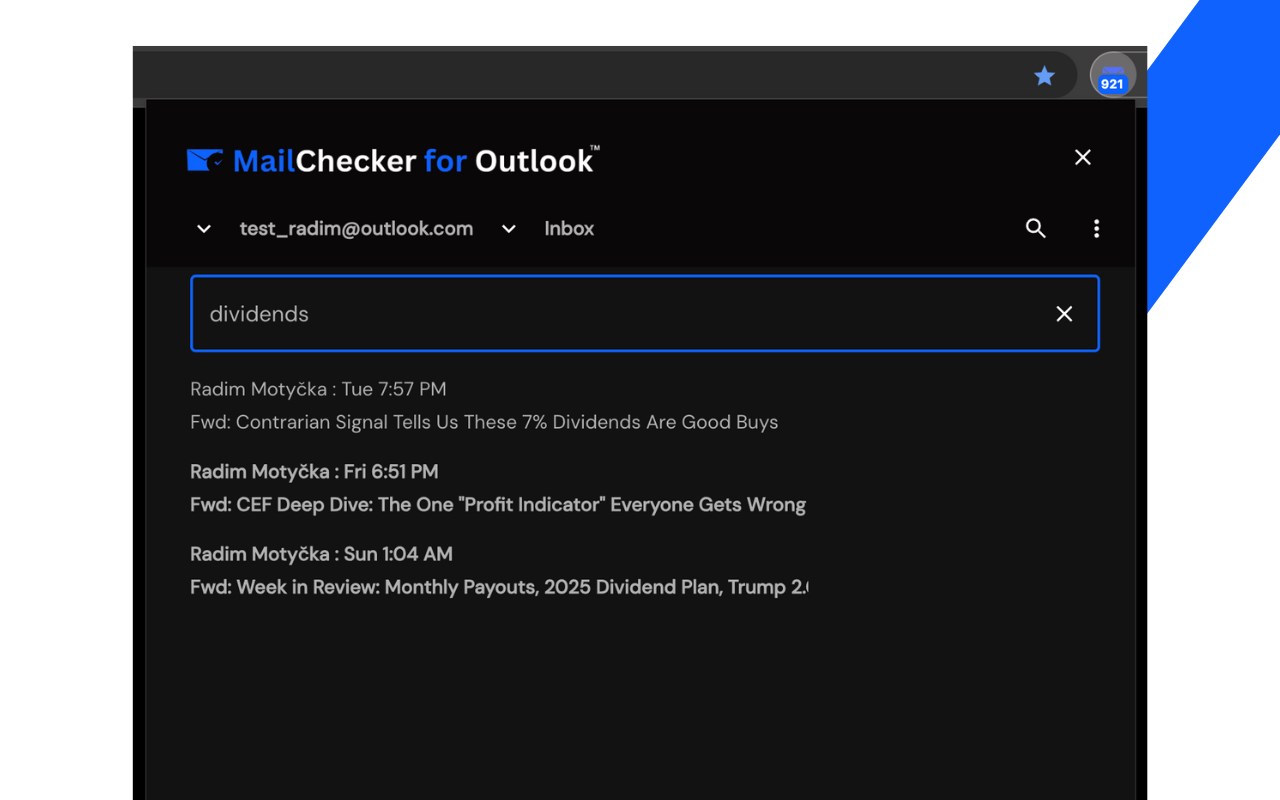
Manage Microsoft™ Email with the Ultimate Outlook™ Browser Extension
Simplify email management and boost productivity with the Microsoft Outlook™ browser extension. Effortlessly receive, export, convert and save Microsoft™ emails as PDF, TXT or HTML, reply to emails and get new email notifications, within the user interface.
Features You'll Love:
✅ Access your Outlook.com, Hotmail.com, or work/school accounts in one place
✅ Switch between multiple accounts with a $2/month or $19/year subscription
✅ Receive instant notifications and manage emails with ease
✅ Save individual emails as PDF, TXT, or HTML. With our subscription, merge multiple emails into one file and remove our icon from PDFs.
✅ Stay focused with "Do Not Disturb" and toggle between "Light" and "Dark" modes
✅ Streamline your inbox: bulk delete, archive, or mark emails as read
✅ Navigate mail folders and perform actions straight from pop-up notifications
✅ Instantly redirect to OWA by clicking the icon
✅ Send attachments seamlessly – include files effortlessly in your emails
✅ HTML email templates – customize emails with professionally defined templates
With our new new download Microsoft™ email feature you can:
✅ Create a hard copy backup of messages for your own records
✅ Merge multiple emails into one PDF
✅ Great to upload your correspondence and:
- Upload them into your CRM
- Send it to your lawyer for legal proceedings
- Send your bills, receipts, or invoices to your accountant
This this extension is great for:
✅ Lawyers & Legal Professionals
Save, organize, and consolidate all Microsoft™ messages into a single document for court submissions. Convert entire online conversations—including sent and received documents—into one easily manageable file for Clio or your chosen CRM.
✅ Real Estate Agents
Effortlessly bundle all your Microsoft™ messages related to sales transactions and upload them to your preferred CRM.
✅ Project Managers & Team Leads
Archive all project-related communication in a single document for better organization.
✅ Business Owners
Organize all Outlook receipts by date, customer, or other criteria to streamline financial tracking.
✅ Contractors
Maintain a well-structured archive of all client communication for easy access.
Why Mail Checker for Outlook™? Get everything done without switching tabs or apps. With quick access, seamless navigation, and dedicated support via the SUPPORT HUB, managing email has never been easier.
MailChecker for Outlook™ changelog:
June v. 1.4.3
- Add “Send New Email” View
May v. 1.4.2
- Add multilingual support
May v. 1.4
- Improve multi-account functionality and add save email as PDF, TXT or HTML
May v. 1.3.4
- Enhance multi-account functionality
Apr v. 1.3.2
- Enable automatic closure of notifications after 20 seconds and design a placeholder for the options page
Apr v. 1.3.1
- Enhanced search interface
Apr v. 1.3
- Support multiple accounts with a subscription priced at $1 per month or $10 per year
Feb v. 1.2.4
- Improve search funcionality
Feb v. 1.2.2
- Search funcionality added
Dec v. 1.1.10
- Improved error handling
Dec v. 1.1.9
- Implement infinite scroll