
Avast SecureLine VPN with Ad Blocker
Extension Actions
Control your VPN status and connected location, plus turn Ad Blocker on/off.
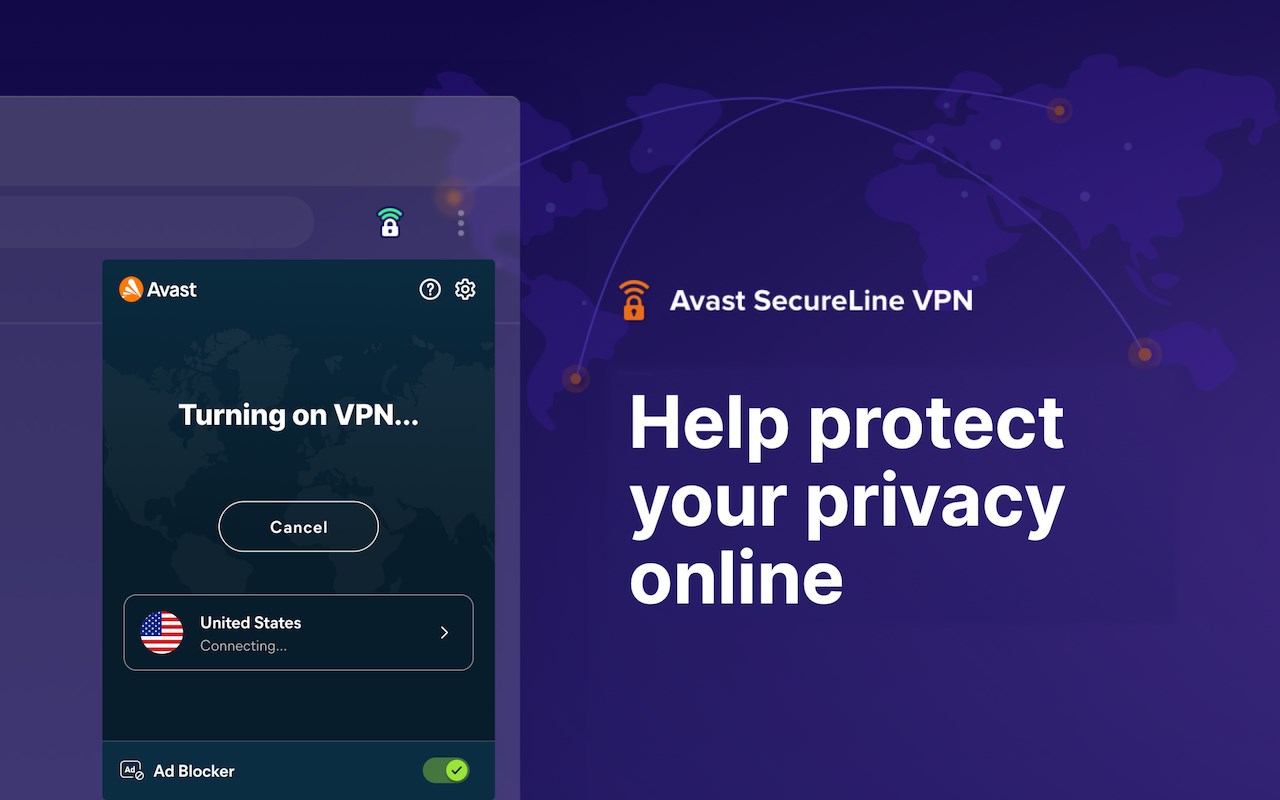
Secure your privacy and unlock greater online freedom.
Avast SecureLine VPN browser extension lets you control your VPN connection and Ad Blocker right from your browser toolbar.
Please note that to use this extension, you'll also need an active subscription and our VPN desktop app, which provides additional features and settings. With Avast SecureLine VPN, you can keep your internet connection safer and more private, and access the content you love, whether you’re at home or on the move.
– Browse like no one’s watching: Keep your online activities hidden from internet service providers, hackers, and companies with our private VPN. One click, and they can’t see them.
– Connect with stronger security: Help protect your private data with bank-grade encryption that tunnels your communication through any network, even on unsecured public Wi-Fi.
– Access the content you love: Change the location you appear to be connecting from with a click, giving you safer access to your favorite shows, videos, and websites, whether you’re at home or on the move.
Key features of Avast SecureLine VPN include:
– With over 100 VPN locations worldwide, you can enjoy what you’re doing more securely, privately, and without interruption.
– Optimized for streaming: Watch shows and sports wherever you are with streaming-optimized servers and ample bandwidth for a high-quality experience.
– Ad Blocker: Block intrusive ads and manage your VPN directly from your desktop browser.
– No-logging policy: When you’re connected to Avast VPN servers, we don’t track the apps you use, the websites you visit, or the content you can consume.