
Sound Amplifier - Audio Amplifier
Extension Actions
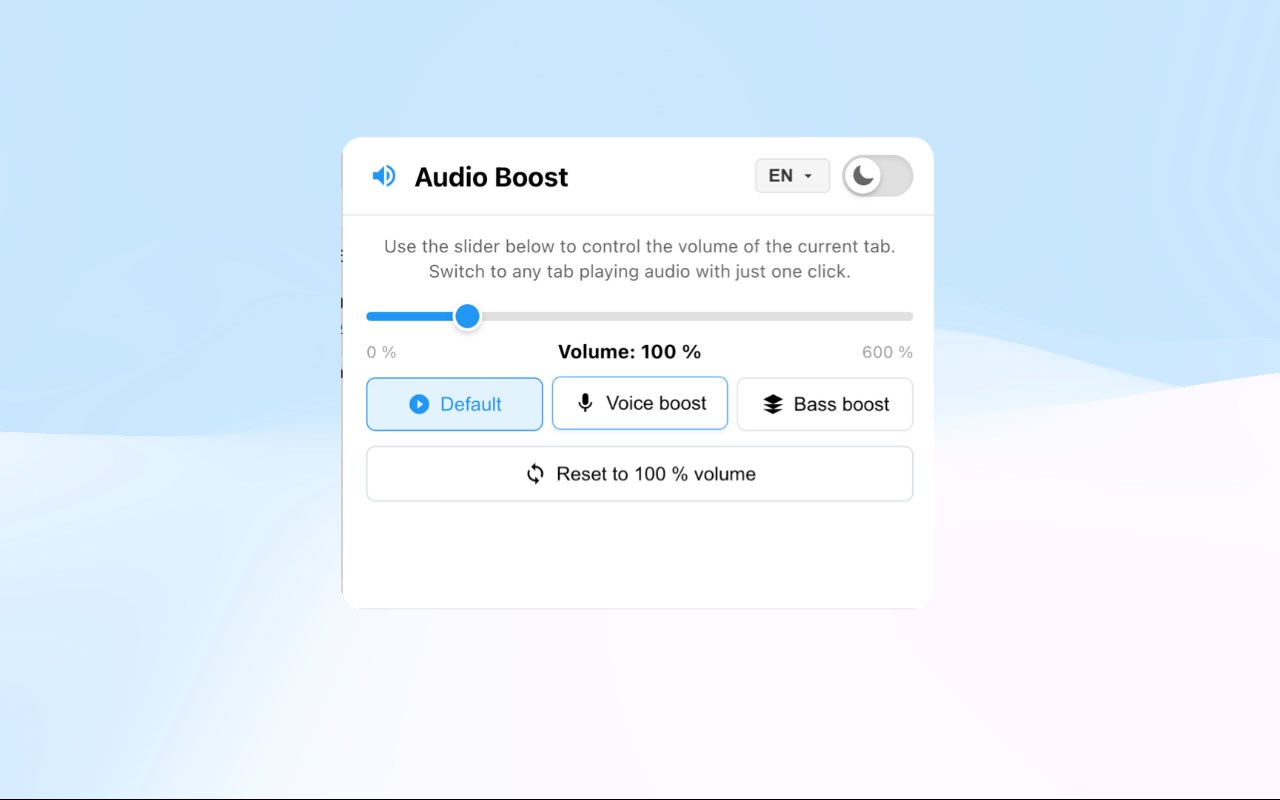
Boost browser volume up to 600% with voice and bass enhancement, so you never miss any detail. Simple and easy to use, one-click volume control for current tab.
Core Features:
🎯 Powerful Volume Control
Support volume adjustment from 0-600%, precisely control the audio volume of browser tabs, so you never miss any detail. Whether watching videos, listening to music, or attending online meetings, you can easily adjust to the most suitable volume level.
🎵 Audio Enhancement Modes
Provide three professional audio enhancement modes to meet different scenario needs:
- Default Mode: No audio processing, maintains original sound quality, perfect for daily use
- Voice Boost: Intelligently enhances mid and high frequencies, making voices clearer, especially suitable for watching tutorial videos, podcasts, and online courses
- Bass Boost: Enhances low-frequency response, making bass more impactful, bringing richer audio experiences for music and movies
🌓 Dark Mode
Support light and dark theme switching, adapting to different usage environments. Whether during the day or night, it provides a comfortable visual experience.
⚙️ Simple and Easy to Use
One-click volume control for the current tab, simple and intuitive operation. All settings are automatically saved, no need to reconfigure next time, so you can focus on the content itself.
💡 Smart Control
Each tab independently controls volume without interference. Automatically applies saved settings when switching tabs, making your browsing experience smoother.