
OmniSide: AI sidebar with all models
Extension Actions
Chat with all AI Assistants. Enhance your chat, search, writing, and programming with cutting-edge AI models.
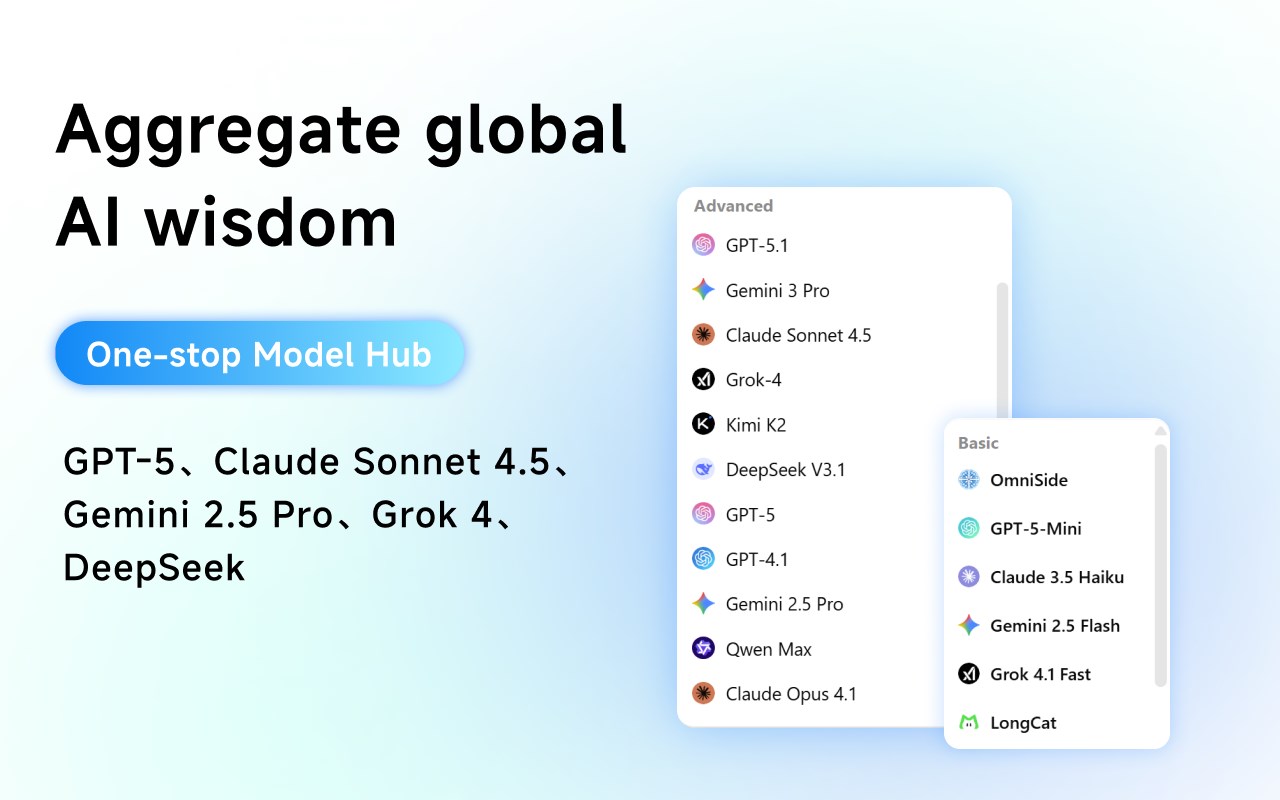
🌟 Overview
OmniSide is a powerful browser sidebar that seamlessly integrates leading Large Language Models (LLMs) into your daily workflow. Boost your productivity with AI-powered smart search, reading assistance, and advanced writing tools — all without switching tabs. 🚀
✨ Key Features
🤖 Multi-Model AI Chat: Access various top-tier AI assistants in a single, unified interface. Compare responses side-by-side to get the most accurate insights.
📖 Intelligent Reading Assistant: Instantly summarize long articles, explain complex terms, and translate text across 50+ languages while you browse.
✍️ AI Writing & Rewriting: Generate high-quality content, outlines, and emails. Refine your prose with tone adjustment and sentence optimization tools.
🌐 Contextual Web Interactions: Chat with PDFs, images, and entire webpages. OmniSide understands the content on your screen to provide relevant help.
🔍 Search Engine Enhancement: Get concise AI-generated summaries alongside traditional search results on popular search engines.
💡 Why Choose OmniSide?
⚡ Seamless Multitasking: Open the sidebar on any website to work with AI without disrupting your current task.
📋 Smart Prompt Library: Save and organize your favorite prompts for instant use with a single click.
📡 Real-Time Information: Access up-to-date web data to stay informed on the latest topics.
🔄 Cross-Platform Productivity: One account syncs your experience across different browsers and operating systems.
🚀 How to Get Started
1️⃣ Click "Add to Edge" to install the extension.
2️⃣ Pin OmniSide to your toolbar for quick access.
\3️⃣ Open the sidebar and start chatting with your preferred AI assistant! 💬