
Volume Master
Extension Actions
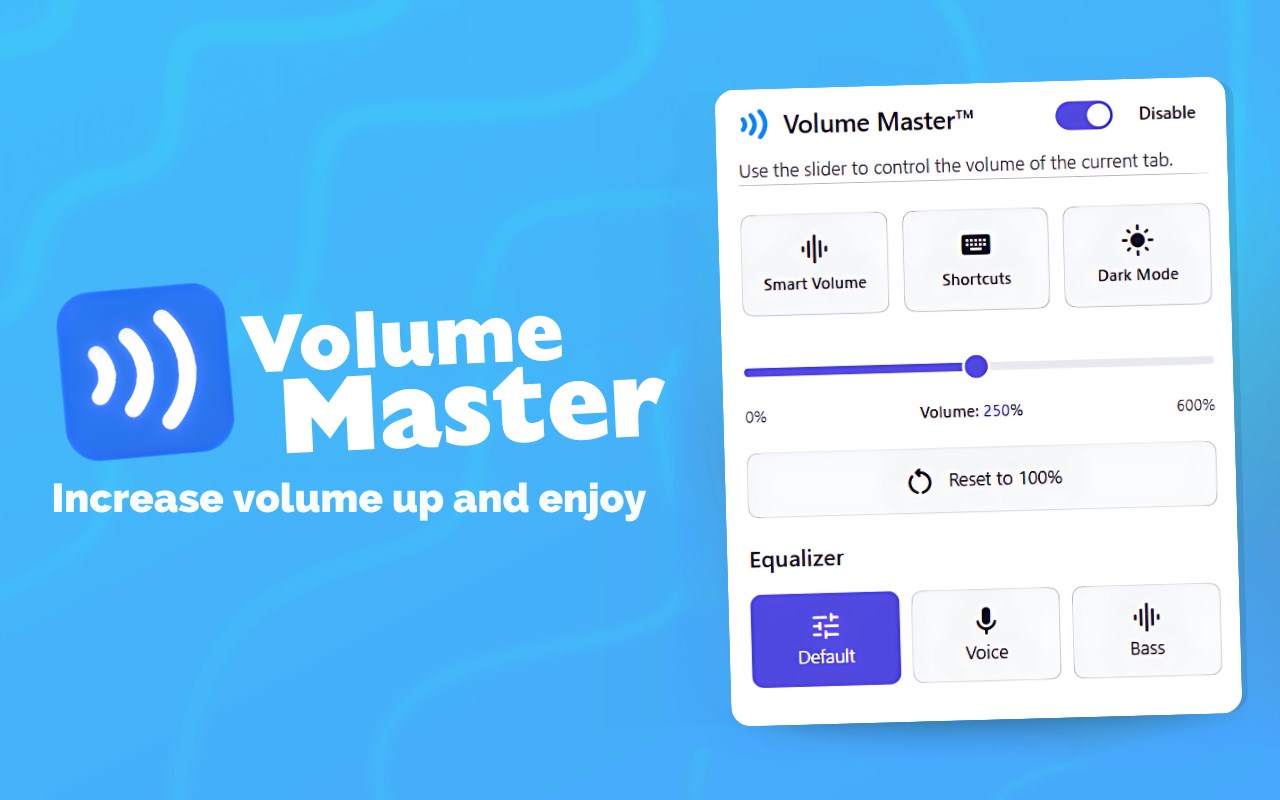
Boost volume of any tab Up to 600% and control it with a simple slider
Boost volume of any tab Up to 600% and control it with a simple slider
Volume Master is a powerful Edge Add-on that gives you precise control over audio playback in your browser. Perfect for quiet videos, movies, and music streaming, this extension allows you to boost volume up to 600% while maintaining audio quality.
✨ Key Features (Volume Master - Increase volume):
🔹 Volume Boost: Boost volume up to 600% for those quiet videos and low-volume content.
🔹 Audio Equalizer: Fine-tune audio frequencies to enhance your listening experience.
🔹 Smart Volume: Automatically adjusts loud and quiet parts for consistent listening experience.
🔹 Dark/Light Theme: Switch between Dark and Light modes to match your visual preference.
🔹 Keyboard Shortcuts: Control volume with ease using Alt+Up (increase), Alt+Down (decrease), Alt+M (mute), and Alt+Shift+V (open popup)!
🤔 How to Use Volume Master - Increase volume
1. Click the Volume Master icon in your browser toolbar to open the popup
2. Use the slider to adjust volume from 0% to 600%
3. Toggle mute or reset to default (100%) with one click
4. Use keyboard shortcuts for quick volume adjustments
Privacy:- Volume Master only processes audio locally in your browser. No audio data is ever sent to external servers. The extension only requires necessary permissions to function properly.
Support:- If you enjoy Volume Master, please consider leaving a review. For support or suggestions, contact us through https://prepphint.com/contact-us
Thank you for using Volume Master - Enjoy your amplified audio experience!
Latest reviews
- Md
- thanks