
Quick Screenshot → Clipboard
Extension Actions
CRX ID
ooiimcgholikdnlehogekbbfbmekinfb
Description from extension meta
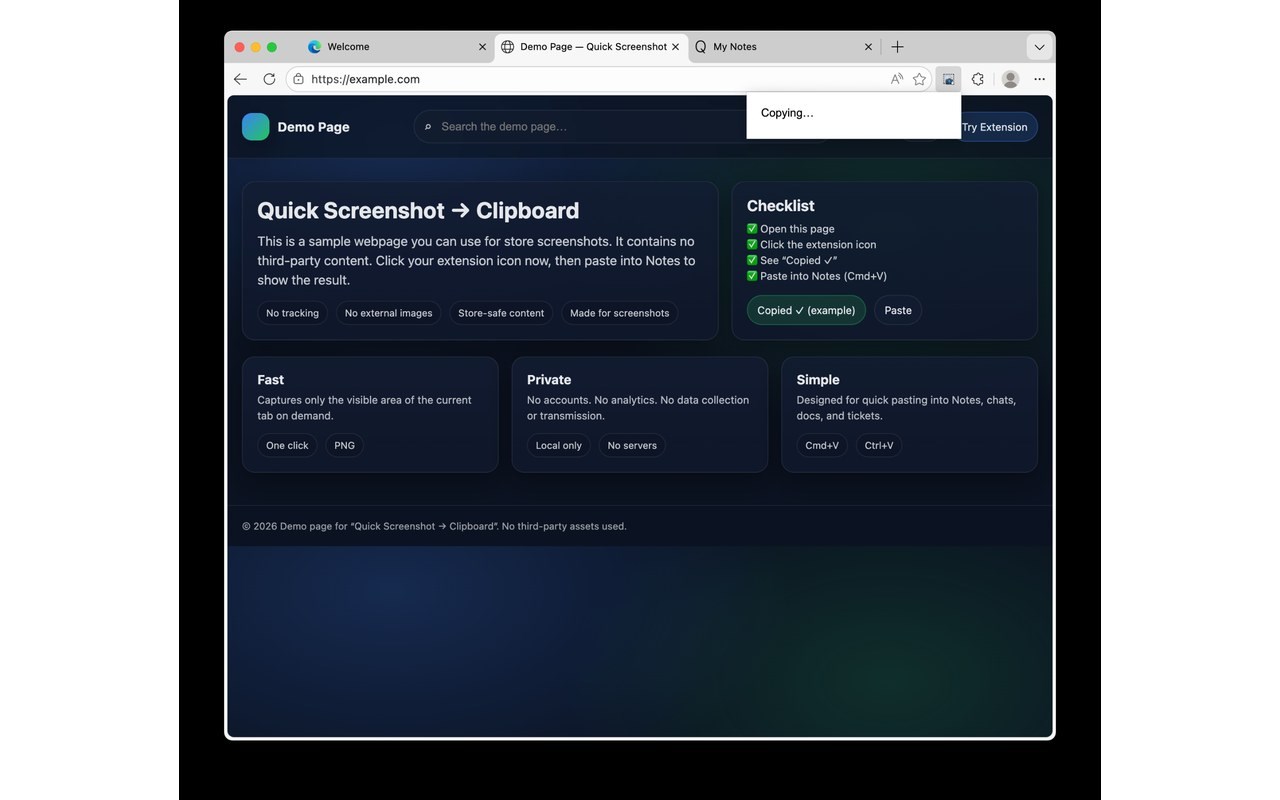
Click the icon to copy the visible area of the current tab as an image to your clipboard.
Image from store
Description from store
Quick Screenshot → Clipboard lets you copy a screenshot of the visible area of your current tab to your clipboard as a PNG image.
How it works
Open any normal website (for example: example dot com)
Click the extension icon
Paste anywhere (Notes, Slack, Docs, Keep, Excel)
Notes
• Browser security blocks screenshots on internal browser pages (settings and extension pages).
• No accounts, no tracking, and no data collection. Everything runs locally.
Latest reviews
- A
- Exellent