
RepoGrabber: Selective GitHub File Downloader
Extension Actions
Download specific files and folders from GitHub quickly without cloning the entire repo. ZIP compression supported.
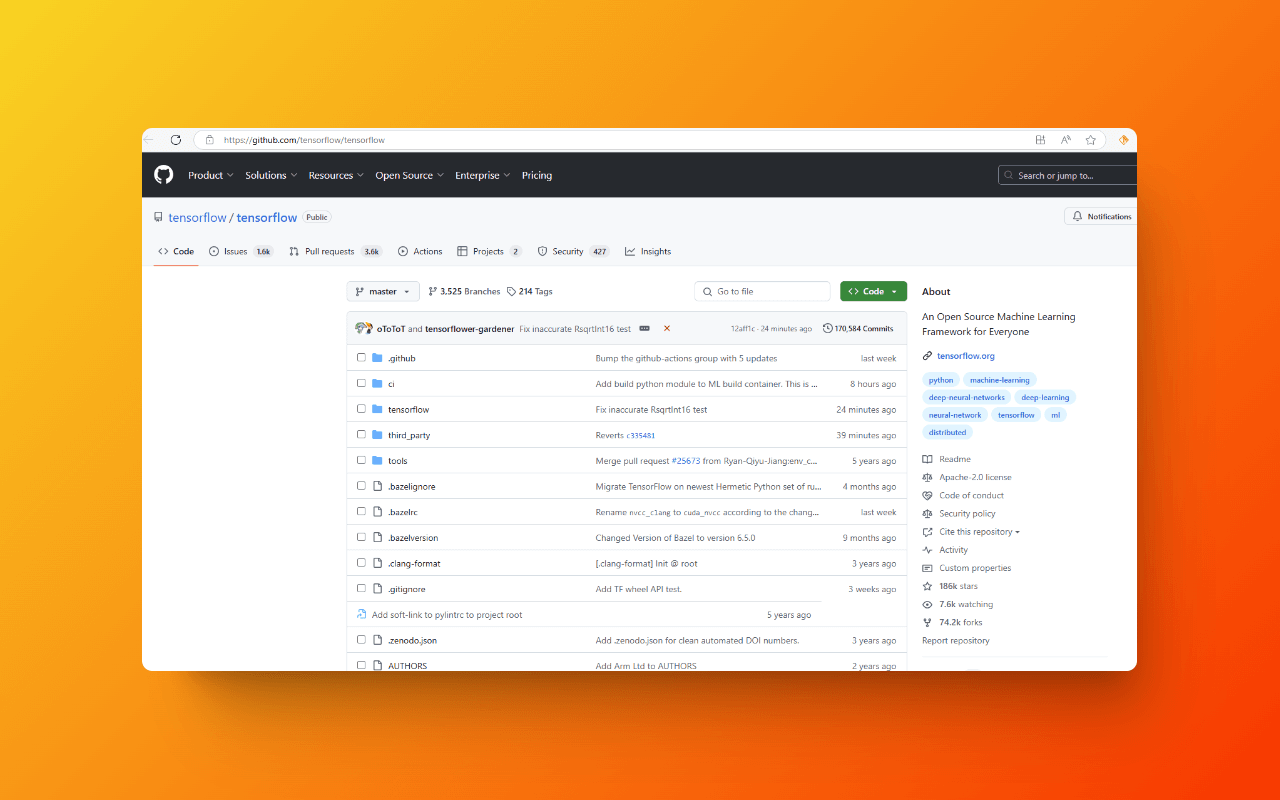
🚀 RepoGrabber: Selective GitHub File Downloader
The Smart Download Assistant for Developers
Precise Selection: Easily pick the files or folders you need from GitHub repositories, avoiding unnecessary downloads and boosting your productivity.
Time-Saving: No need to clone the entire project; quickly access the resources you need, allowing developers to focus on core tasks.
Storage Optimization: Download only the necessary files, reducing local storage usage and keeping your system tidy.
Wide Compatibility: Supports multiple programming languages (such as JavaScript, Python, Java, C++, Ruby), making it suitable for various development projects.
Framework Support: Compatible with popular frameworks (like React, Vue.js, TensorFlow), providing developers with flexible options.
Version Management: Easily retrieve files from specific versions or branches, aiding in code reviews, debugging, and fixes to ensure project quality.
Learning Resources: Offers convenient access to code snippets and learning materials for students and researchers, promoting education and research.
User-Friendly Interface: An intuitive design simplifies browsing and using GitHub projects, enhancing user satisfaction.
📚 User Guide
Browse any GitHub repository page.
Choose your download method:
Project Selection Download:
Double-click the project or check the checkbox.
Click the download button in the bottom right corner of the page.
Context Menu Download:
Select "GitHub Download" > "Whole Repository" or "Current Folder."
Hover over the project and select "GitHub Download" > "Selected Folder/File."
After checking, select "GitHub Download" > "Checked Items."
Watch the progress bar at the top and wait for the download to start, then receive your packaged ZIP file.
🔑 API Access Token Setup (for "Rate Limit" Warnings)
1. Click the RepoGrabber icon in your browser toolbar.
Enter your access token in the "GitHub Access Token" input box and save it.
3. For detailed token creation instructions, please refer to the guidelines below.
4. The token is securely stored in your local browser and will never be shared externally.
Once set up, return to the GitHub page to continue your work.
🌐 More Resources
Official Website: https://githubstar.com
Support Us:
Ko-fi: https://ko-fi.com/interstellarsponsor
Afdian: https://afdian.com/a/githubstar
Enhance your GitHub development experience with RepoGrabber, your efficient assistant for obtaining the files you need, making your development journey smoother and more manageable!