
ZipIt - Website to ZIP
Extension Actions
Download any website as a ZIP file instantly.
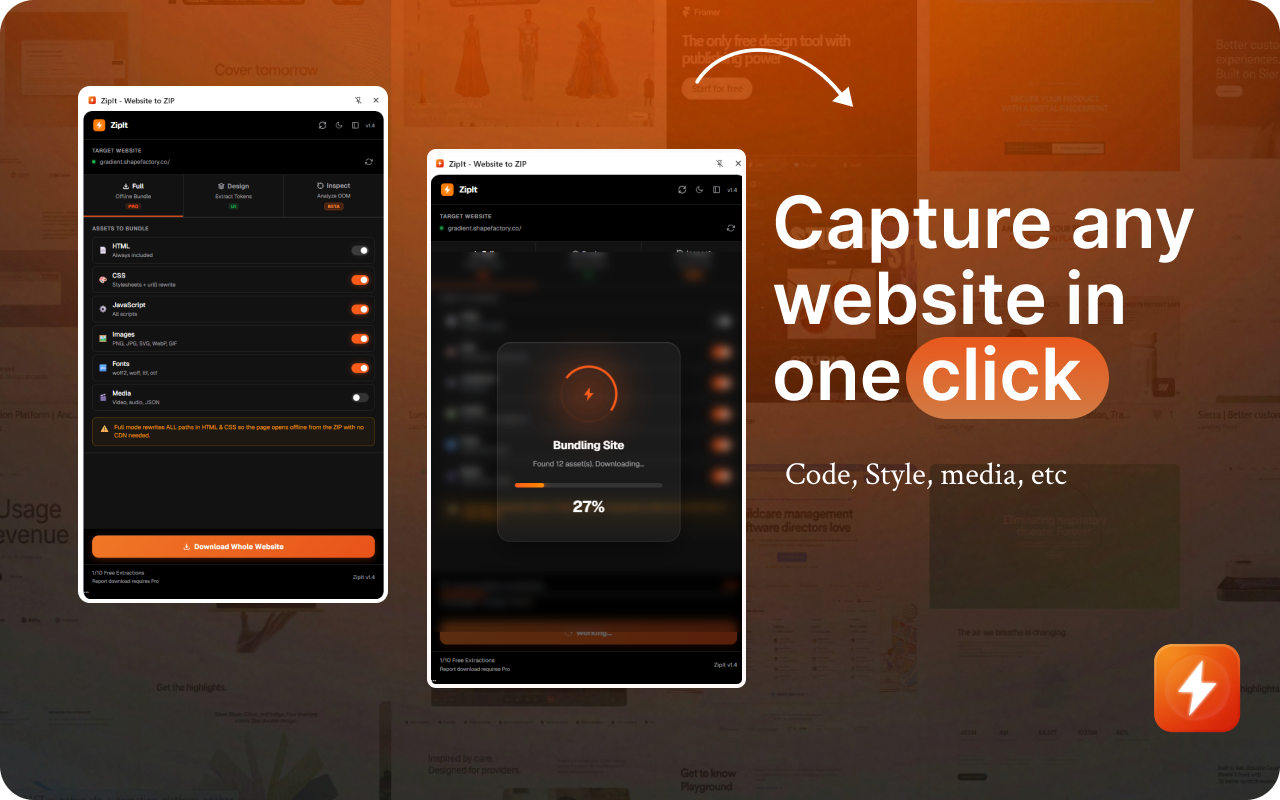
What You Can Do with ZipIt
Whether you're researching competitors, saving design inspiration, building reusable templates, archiving product states for QA, or creating offline backups — ZipIt does it instantly, clean, structured, and production-ready.
Full Offline Mode — Complete Website Download
True one-click archiving. Downloads images, fonts, videos and all assets. Automatically rewrites internal paths so the site opens perfectly offline with zero dependencies.|
Design Mode — Audit Engine
Turn any website into a structured design system. Extract full color palettes, detect typography hierarchy, validate WCAG AA/AAA contrast, detect Google Fonts, and export tokens to CSS, JSON, or Tailwind.
Accessibility Scanner
Instant WCAG 2.1 compliance audit. Contrast ratio analysis, missing alt text detection, heading structure checks, and a scored pass/fail breakdown. Export a detailed PDF report (Pro).
Inspect Mode — Component Extractor
Click any element to inspect and export it. View computed CSS, export as self-contained HTML, copy directly into Figma, or generate AI prompts to recreate components.
Figma Export Engine
Copy full pages or components as editable SVG. Preserves gradients, shadows, and typography. Paste directly into Figma with Ctrl+V — no plugins needed.
Media Asset Browser
Detect and download every asset instantly — images, videos, audio, SVGs, and Lottie files — with live preview and one-click download.
Smart CSS Cleanup
Automatically removes unused styles for clean, production-ready code.
Built For
Developers, Designers, Product Managers, and Web Archivists.
How It Works
Open any website, click the ZipIt extension,
choose Full Download, Design Mode, or Inspect Mode,
then export as a ZIP, Figma layers, or AI prompts.
Privacy and Security
100% local. Zero data tracking.
Runs entirely in your browser with no data collection or transmission. Your files never leave your device.
Latest reviews
- Jay
- ZipIt is really handy. I tried it while exploring a few websites and it made it super easy to grab assets, check colors and fonts, and understand how the layout is built. The Design Mode and Inspect Mode are especially useful for designers and developers. It saves a lot of time when you want to study or reference a website quickly. Simple and very practical tool. 🚀
- Babita
- Just tried ZipIt recently. The font, color, and accessibility pickers are really useful for daily workflows. Looking forward to exploring more features soon.