
Page Refresher
Extension Actions
Use smart Page Refresher extension to automatically refresh web pages, web sites, update lists and run html scripts in one click.
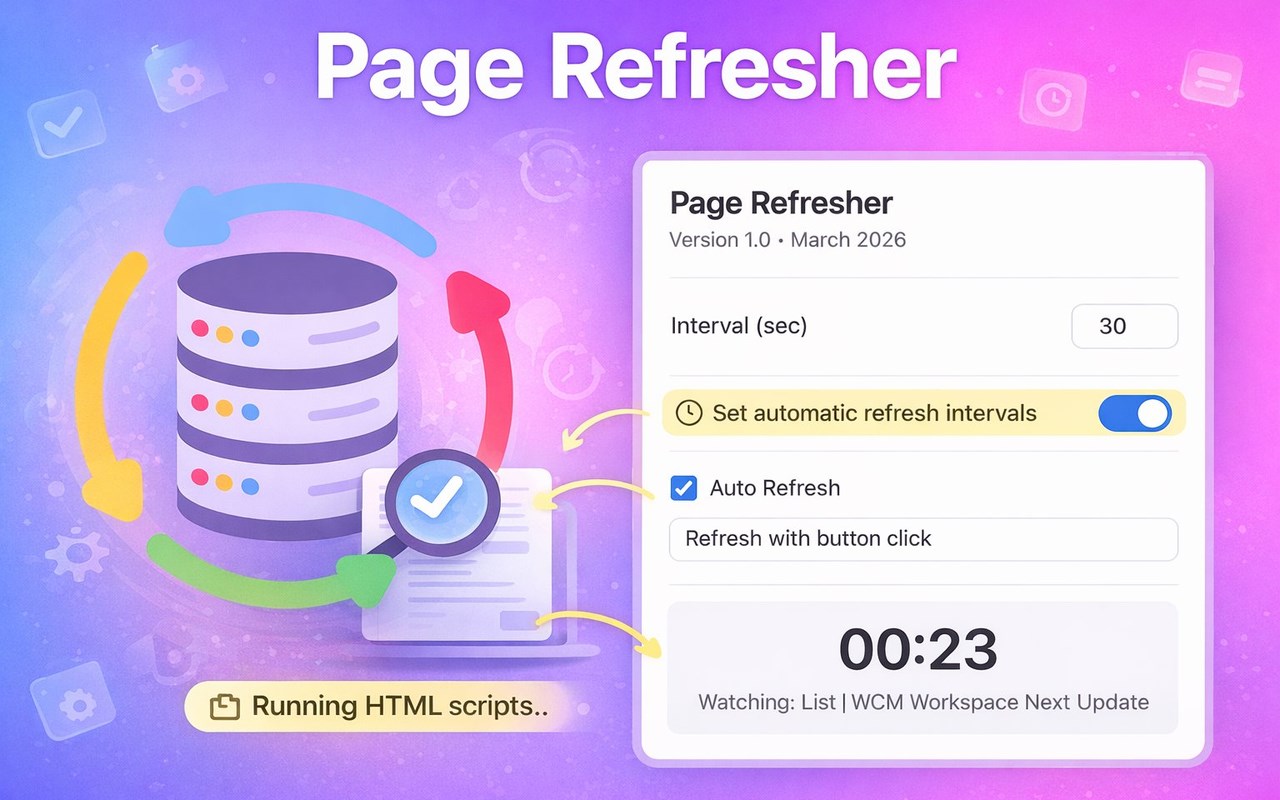
Page Refresher is a powerful and flexible edge extension designed for people who need web sites to stay constantly updated without manual work. Whether you monitor dashboards, live statistics, ticket availability, or constantly changing data, this tool helps you automatically update page content with precision and reliability. ⚡
Instead of manually pressing reload every few seconds, Page Refresher allows you to configure automatic web site refresh intervals and keep any window automatically updated. The extension works directly in your browser and instantly turns any web site into a dynamically reloaded environment.
With this extension you can easily reload content based on your own timing rules. Just set the interval and let the extension do the work while you focus on more important tasks. It is ideal for people who constantly update dashboard information such as traders, analysts, developers, and support teams.
Main benefits include:
1️⃣ Reliable edge page auto refresh functionality
2️⃣ Lightweight and fast auto web site refresher performance
3️⃣ Simple controls for quick reload configuration
4️⃣ Smart automation that can run html scripts directly on the page
These features make it one of the most flexible tools for users searching for how to automatically reload a web page inside Microsoft Edge.
Unlike traditional reload tools that update the entire window, Page Refresher introduces a smarter concept. Instead of reloading everything, the extension can trigger specific actions directly on the page using Auto button press and script automation. 🚀
This means you can automate actions such as:
- Pressing the Refresh List button on dashboards
- Triggering AJAX reloads inside apps
- Running UI actions using Auto button refresher
- Executing custom automation through Run html script
This approach dramatically improves performance because it allows you to Update web page sections without a full reload.
For example, imagine a dashboard with a button labeled Refresh List. Instead of refreshing the whole page, the extension can automatically click that button using Auto button press. This keeps the data updated while preserving page state, filters, and scrolling position.
Typical use cases include:
➤ Monitoring analytics dashboards
➤ Tracking ticket releases or product stock
➤ Watching crypto or financial data updates
➤ Keeping admin panels constantly refreshed
➤ Updating tables using Refresh List automation
If you ever searched how to auto refresh a web page, this extension provides the easiest and most powerful answer.
The extension includes multiple refresh modes to match different workflows:
- Standard auto refresh page timer
- Intelligent auto page refresh scheduler
- Script-based refresh using Run html script
- Button automation with auto button refresher
This makes Page Refresher more than just a timer — it is a complete web site refresher automation toolkit.
Key automation capabilities:
* Auto refresh web site with custom intervals
* Auto button press to trigger page elements
* Smart update behavior without reloads
* Script execution to Run html script on demand
These tools give you full control over edge page auto reload behavior.
The interface is simple and intuitive, so you can configure your refresher in seconds. Just open the extension popup, set the refresh interval, choose the update mode, and start the automation. ⚙️
No complex setup required.
Users who manage dynamic websites will especially appreciate the ability to Run html script. This allows advanced automation such as triggering JavaScript actions, interacting with page components, or activating internal refresh functions like Refresh List.
Install Page Refresher today and transform Microsoft Edge into a powerful automation environment. With reliable auto page refresh, intelligent reload controls, and built-in script automation, you will never need to manually refresh a page again.
Latest reviews
- Artem
- It helps at work.