
Password Generator - Strong & Secure
Extension Actions
Generate strong, secure passwords instantly. Customize length, characters, and copy with one click. Free random password generator.
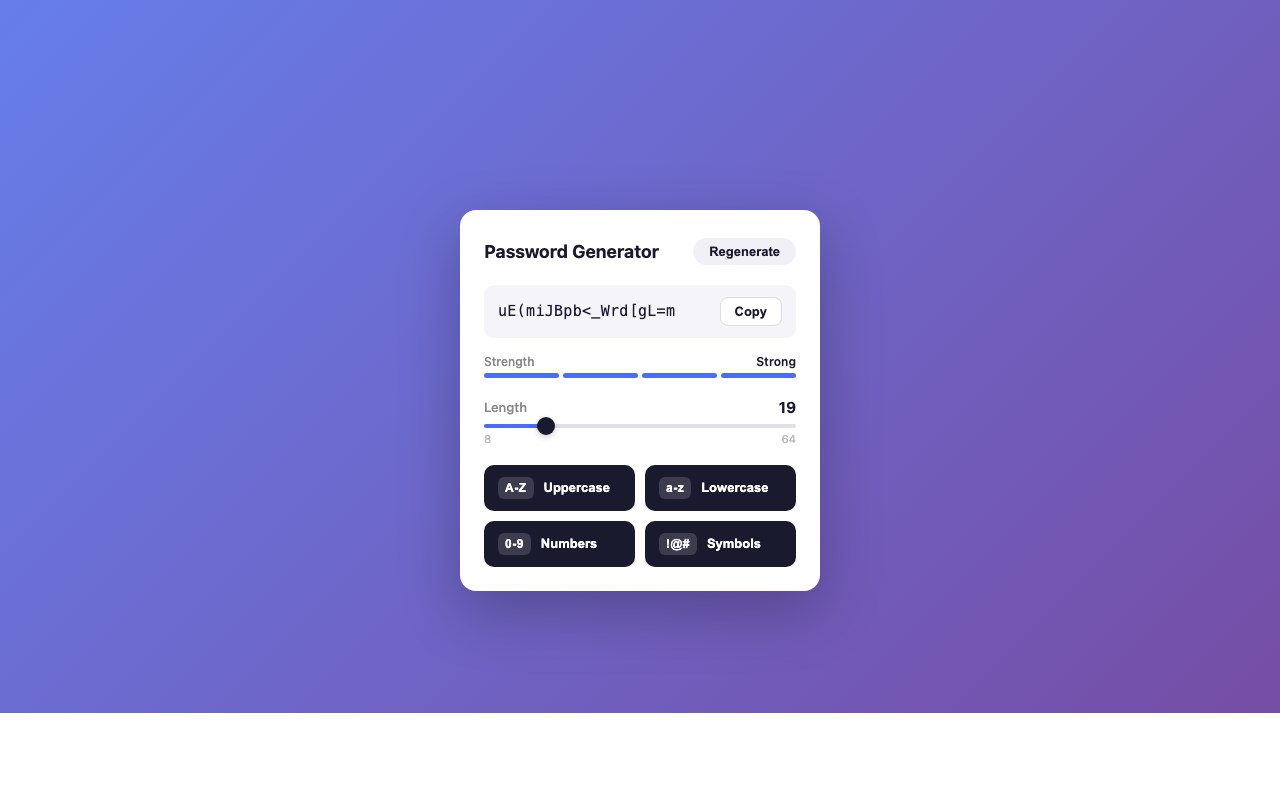
Password Generator creates strong, secure, random passwords right in your browser. Customize length (8-64 characters), toggle character types, check password strength at a glance, and copy to clipboard with one click. Built on the browser's native crypto.getRandomValues() API for cryptographically secure randomness.
**Key Features**
- **Customizable Length** — Generate passwords from 8 to 64 characters to meet any security requirement.
- **Character Type Toggles** — Enable or disable uppercase letters, lowercase letters, numbers, and symbols to match site-specific password rules.
- **Strength Meter** — Visual password strength indicator shows you at a glance how strong your generated password is.
- **One-Click Copy** — Copy your generated password to the clipboard instantly with a single click.
- **Recent History** — View your last 5 generated passwords for quick access. History is stored locally and cleared when you close the browser.
- **Cryptographically Secure** — Uses the browser's built-in crypto.getRandomValues() API to ensure truly random, unpredictable password generation.
- **Instant Generation** — Passwords are generated instantly with no loading or delays.
**How to Use**
1. Click the Password Generator icon in the Edge toolbar.
2. Set your desired password length using the slider (8-64 characters).
3. Toggle character types on or off (uppercase, lowercase, numbers, symbols).
4. Your password is generated automatically as you adjust settings.
5. Click "Copy" to copy the password to your clipboard.
6. Access recent passwords from the history section if needed.