
Save as JPG
Extension Actions
One-click image-to-JPG conversion from any webpage. Your data never leaves your browser.
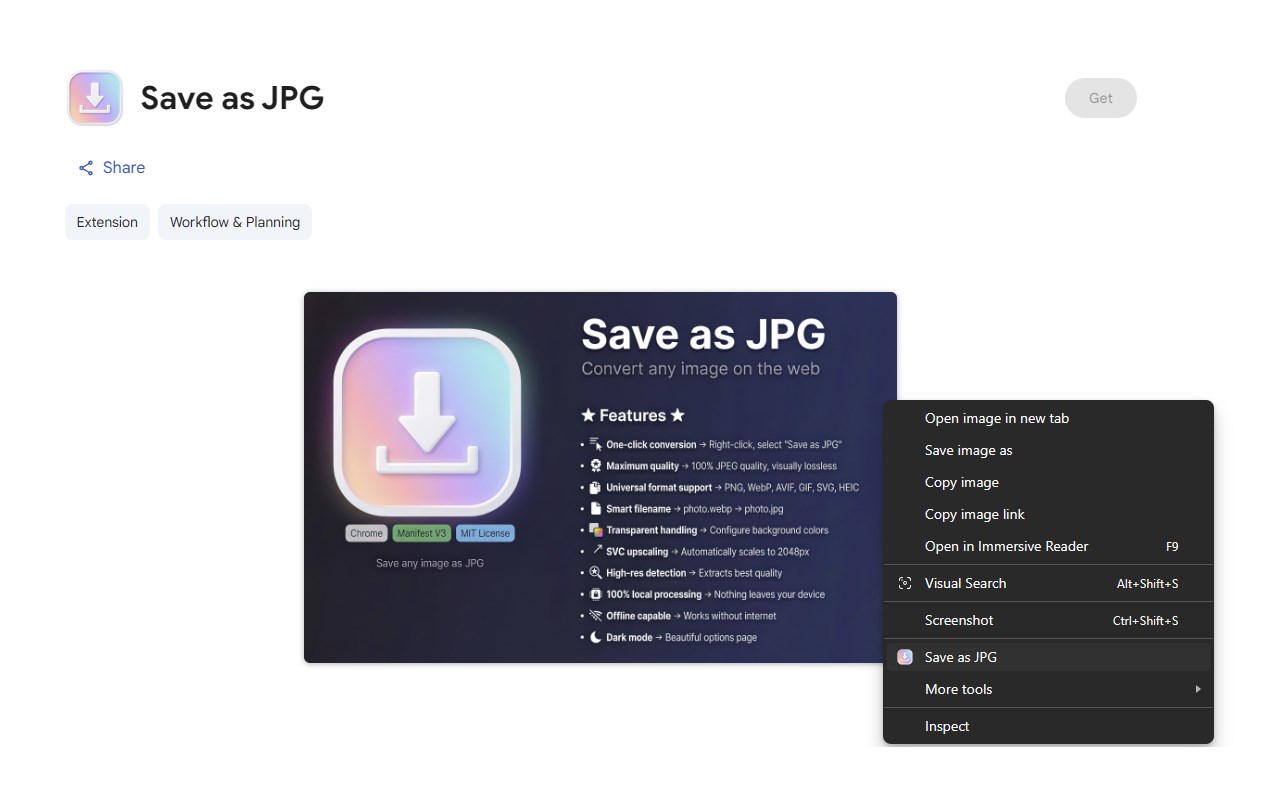
Transform any web image to high-quality JPEG with a single right-click.
Save as JPG is the ultimate image conversion tool that works instantly, locally, and beautifully. No uploads, no internet required, no compromises on quality.
Key Features:
🖱️ One-Click Simplicity Right-click any image and select "Save as JPG" — it's that easy. No complicated menus or extra steps.
💎 Maximum Quality, Every Time Default 100% JPEG quality setting ensures visually lossless conversions. Your images look exactly as they should.
🔄 Universal Format Support Seamlessly converts virtually any modern or legacy web image format into JPEG.
🧠 Smart & Intuitive
• Preserves Filenames: Keeps your original image titles intact.
• Handles Transparency: Automatically fills transparent backgrounds (configurable).
• High-Res Output: Upscales vector graphics to ensure crisp quality.
• Quality Extraction: Detects the best possible resolution from the page code.
🔒 Privacy First 100% local processing means your images never leave your device. No servers, no tracking, no data collection.
✈️ Works Anywhere, Anytime Fully functional offline — convert images even without an internet connection.
Perfect for:
✅ Designers needing quick format conversions
✅ Web developers testing image compatibility
✅ Anyone who wants images in a universally supported format
✅ Users dealing with modern web formats unsupported by older software