
Bookmark Search - Lightning-fast bookmark manager & finder
Extension Actions
Lightning-fast bookmark search and management with sync, history, and export
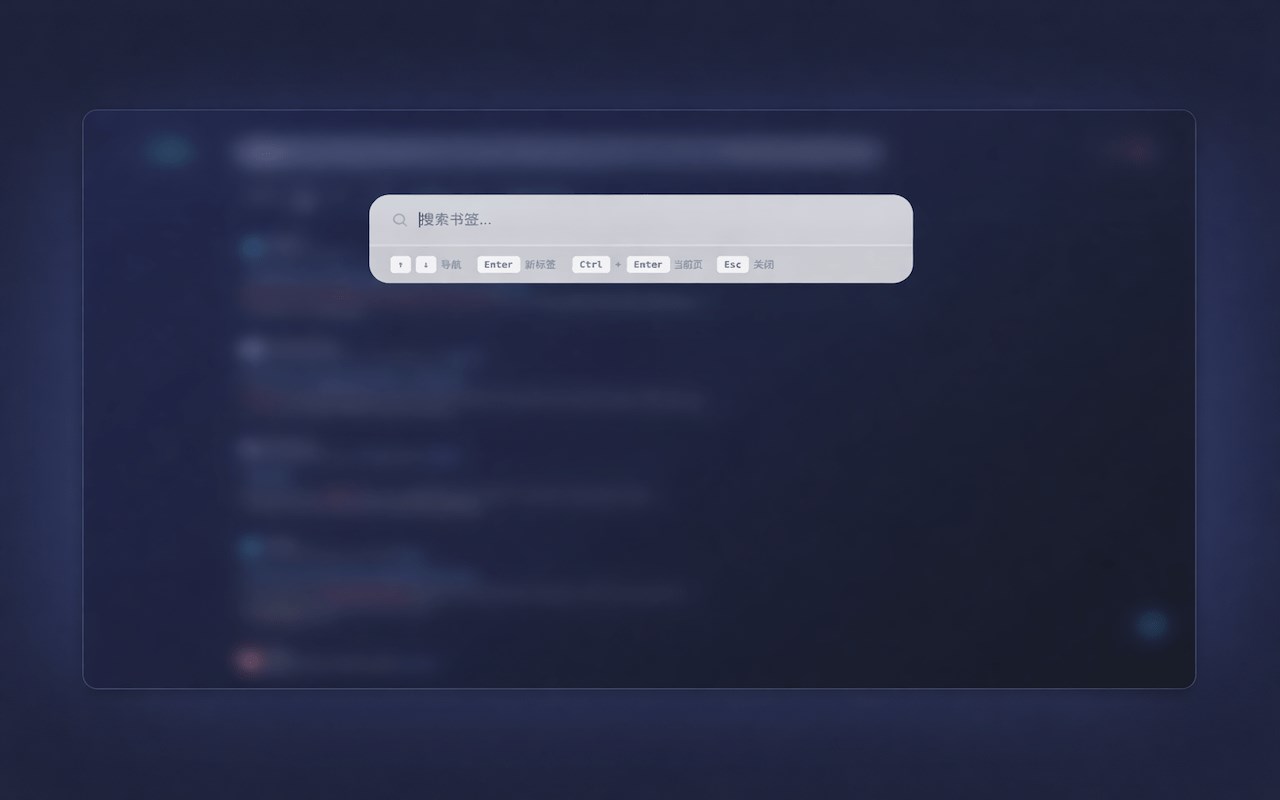
🚀 Recommended Title (Title)
Bookmark Search - Fast Manager & Organizer (这个标题涵盖了 Search, Manager, Organizer 三个核心大词)
📝 Recommended Short Description (Summary)
Instantly search, organize, and manage your browser favorites. The fastest bookmark manager with batch editing, fuzzy search, and 100% privacy protection.
📝 Recommended Long Description (Description)
【Tired of Messy Bookmarks?】 Is your browser's favorites bar cluttered with thousands of links? Can't find that one article you saved last month? Bookmark Search is the ultimate productivity tool designed for power users. It transforms your chaotic collection into an organized library, allowing you to find any link in milliseconds. Whether you are a student, developer, or office worker, this is the fastest way to navigate your web.
【Why Choose Us?】
🚀 Blazing Fast Speed: Built with a high-performance indexing engine. Search through 10,000+ bookmarks with zero latency.
🔍 Smart Fuzzy Search: Don't remember the exact title? Just type a few keywords or fragments, and we'll find the match instantly.
🛡️ Privacy First: We respect your data. All logic runs locally on your device. We do NOT track your history or upload your data.
【Key Features】
Real-time Instant Search: Results appear immediately as you type. No loading, no waiting.
Batch Management: Select multiple items to move, delete, or organize folders in one go. Say goodbye to clicking one by one.
Duplicate Detection: Automatically identifies if the current webpage is already in your favorites to prevent duplicates.
Personalized Themes: Fully supports Dark Mode and various color themes to match your browser style.
Keyboard Friendly: Designed for efficiency. Use shortcuts to launch and navigate without touching your mouse.
【Perfect For】
Developers: Manage GitHub repos, API docs, and StackOverflow threads efficiently.
Researchers & Students: Organize hundreds of thesis references and learning materials.
Professionals: Keep your work tools and OA links just one click away.
【Get Started】
Pin the extension icon to your browser toolbar for quick access.
Click the icon or use the shortcut key to open the search bar.
Start typing and experience the speed!