
Image Explorer and Converter
Extension Actions
Extract normal images and background images from a page, then convert and save them.
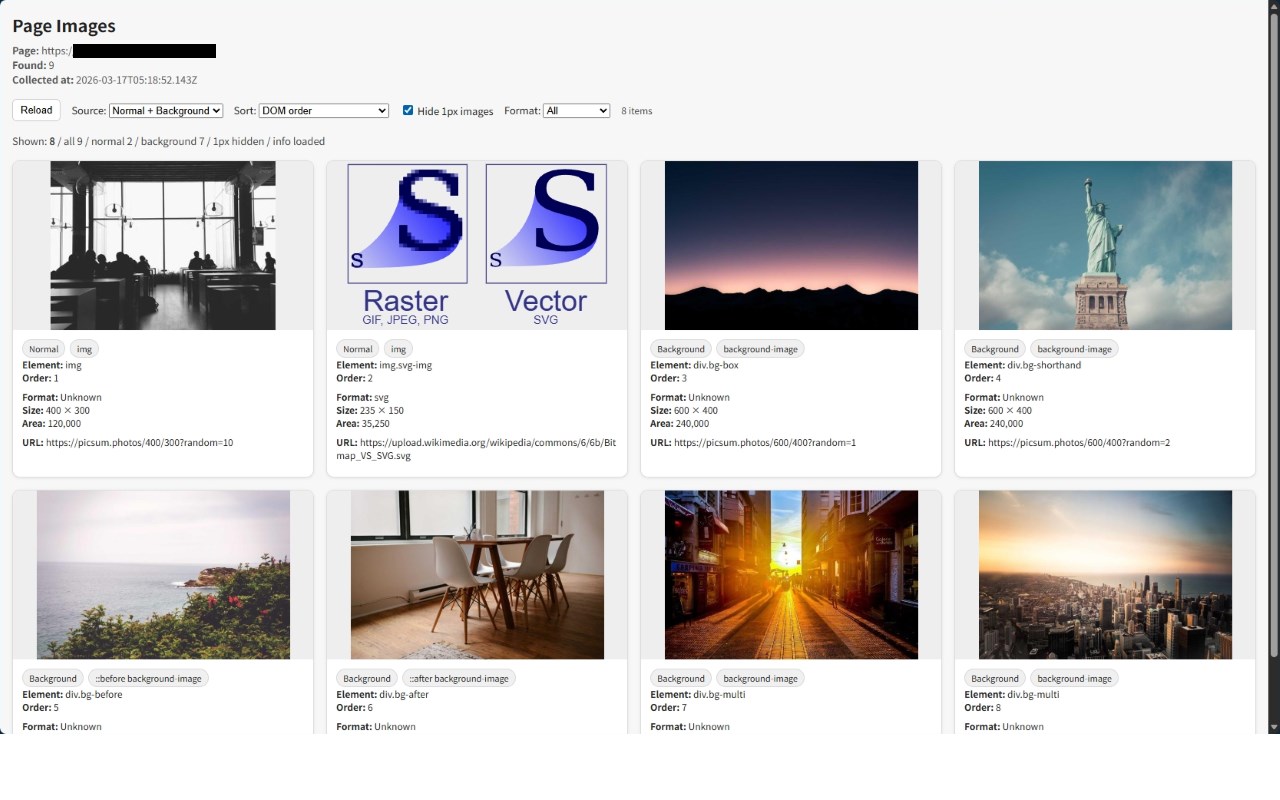
Image Explorer and Converter is an extension that extracts regular and background images from web pages and downloads them in JPEG, PNG, and WebP formats.
How to Use
1. Right-click on an area of a web page other than an image and click "Show image list on this page" to display a list of regular and background images on that web page.
2. You can select the display content, sorting order, exclusion of small images, and image type.
3. Clicking an image will display only the image in a separate tab.
4. Right-clicking an image will display the "Save image as format" menu, and the image will be downloaded in the selected format.
(This also works on regular web pages.)
Privacy
This extension operates entirely within the browser and does not collect any personal data.
Version 1.0.0
First release
Version 1.0.2
- Truncate overly long URLs for display, reveal the full URL on mouse hover, and copy the URL to the clipboard on click.
- Fix the layout issue that occurs when duplicate source type batch displays are rendered.
- Fix the issue where SVGs in the data schema are not processed correctly.