
DevKit - Developer Tools
Extension Actions
Essential tools for developers: JSON formatter, code snippets, and more
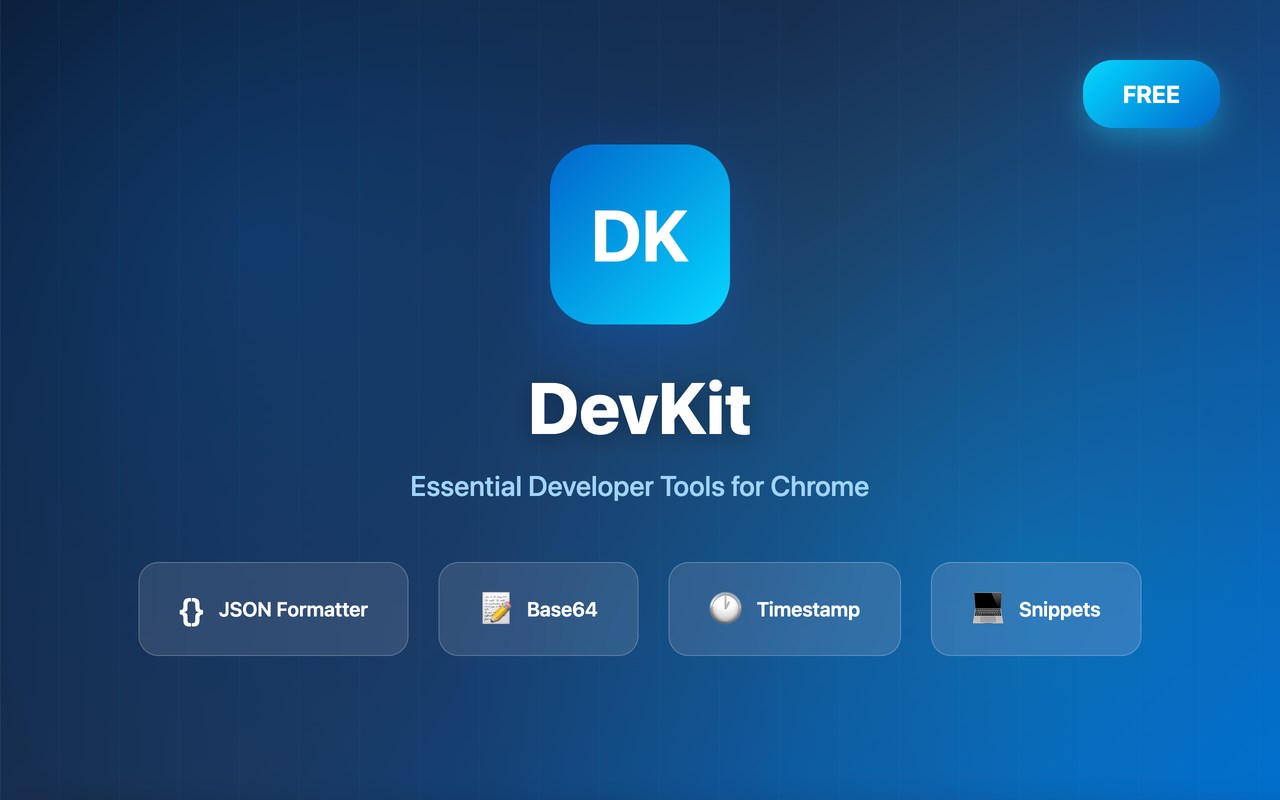
DevKit is a powerful browser extension that brings essential developer tools right to your browser. Whether you're debugging API responses, encoding data, or managing code snippets, DevKit streamlines your workflow and saves you time.
Key Features
🔹 JSON Formatter & Validator
- Format and beautify JSON responses
- Validate JSON syntax instantly
- Syntax highlighting for easy reading
🔹 Base64 Encoder/Decoder
- Encode text to Base64
- Decode Base64 to text
- Quick copy to clipboard
🔹 Timestamp Converter
- Convert Unix timestamps to human-readable dates
- Support multiple time zones
- Current timestamp display
🔹 Code Snippets Manager
- Save and organize code snippets
- Quick copy functionality
- Categories for easy organization
🔹 Color Picker & Converter
- Extract colors from web pages
- Convert between HEX, RGB, HSL formats
- Quick color preview
Why DevKit?
- Lightweight & Fast: Minimal footprint, instant loading
- Privacy First: All data stored locally, no servers
- Developer Focused: Built by developers, for developers
- Regular Updates: New tools and features added frequently
- Free to Use: All core features available for free
Who Is It For?
DevKit is perfect for:
- Web developers debugging APIs
- Frontend developers testing data formats
- Full-stack developers managing snippets
- QA engineers verifying responses
- Anyone working with data and code
Permissions Explained
We only request minimal permissions:
- Storage: Save your preferences locally
- Active Tab: Format JSON on current pages (only when you click)
- Host Permissions: Required for page content access
Feedback & Support
We love hearing from our users! Have a feature request or found a bug?
- 🐛 Report issues on GitHub: https://github.com/jisuz
- 💡 Feature requests welcome
- ⭐ Leave a review if you like DevKit!
DevKit - Making developers' lives easier, one tool at a time.