
Sau.cx
Extension Actions
Unlock precise video playback control, with Sau.cx Chrome Extension! Frame-by-frame cueing, screenshot, social-sharing, and more.
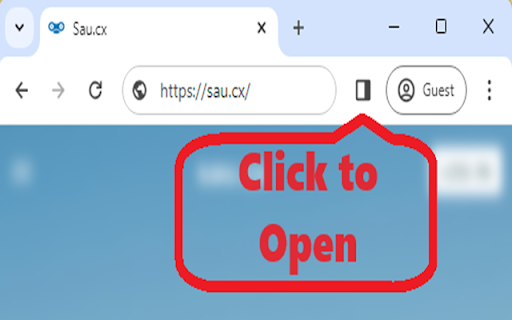
Introducing: Sau.cx (pronounced 'sauce')
This fantastic, cutting-edge Chrome extension brings you precision control over HTML video elements like never before. Whether you're studying a film frame-by-frame, making a detailed animation review, or simply enjoying your favorite videos in a brand new way, 'Sau.cx' is here to enhance your experience.
Want to analyze an action sequence in minute detail? With our easy-to-use key combinations, you can now step through videos forward and backward one frame at a time! Not just that, with a simple key combo, 'Sau.cx' allows you to capture the exact frame you're viewing and open it in a new tab!
But we're not just about offering great features; we're also about responsible use. That's why 'Sau.cx' comes with an accessible and clear disclaimer, reminding users to respect copyright laws.
'Sau.cx' works seamlessly across all websites that use HTML video elements. So why wait? Step into the future of video playback control and see your favorite videos in a whole new light!