
"레트로 볼 - 차단되지 않은 게임"
Extension Delisted
This extension is no longer available in the official store. Delisted on 2025-09-17.
Extension Actions
CRX ID
acmldphpojoafnjndbnehghbjepcglao
Status
- Policy Violation
- Removed Long Ago
Description from extension meta
"Retro Bowl Unblocked 100% Free & Safe에서 놀아보세요!"
Image from store
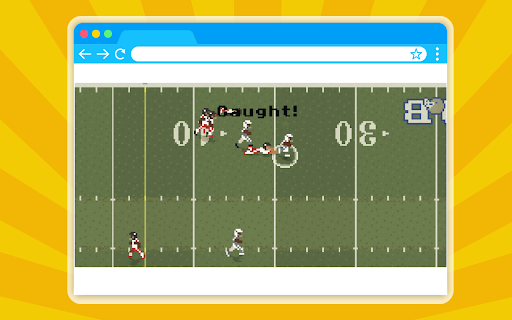
Description from store
INTRODUCTION
Play Retro Game Bowl Unblocked on your Google Chrome Browser with our simple & lightweight extension - No Internet required, no annoying ADS, and 100% Free!
HOW TO INSTALL?
1. Click "Add to Chrome" to install the extension
2. Pin the Retro Game Bowl extension icon to the Chrome toolbar
3. Click the Retro Game Bowl icon on the Chrome toolbar, the Retro Game Bowl popup will open. Tap on the popup or press "Spacebar" to start ;)
That's all you need to do! Have fun!
Play more games on the top-left menu
HOW TO PLAY?
Click the extension icon and enjoy the game!