
LinkedIn Learning Enhancer
Extension Actions
Enhance your LinkedIn Learning experience with custom video player controls and aspect ratios
Transform Your LinkedIn Learning Experience
LinkedIn Learning Enhancer brings professional-grade video controls to your learning sessions. Optimize your video player for any screen size—from standard monitors to ultrawide displays—with one-click aspect ratio presets and theater mode.
✨ KEY FEATURES
🎭 Theater Mode
Automatically expand videos to fill your viewport while maintaining perfect proportions. Get an immersive, distraction-free learning experience.
📐 Custom Aspect Ratios
One-click presets for popular display formats:
• 16:9 (Standard HD)
• 16:10 (Professional Monitors)
• 21:9 (Ultrawide)
• 32:9 (Super Ultrawide)
🎯 Precise Control
Fine-tune your viewing experience with:
• Manual width and height adjustments
• Max height slider for perfect viewport fit
• Real-time preview of changes
💾 Smart Persistence
Your preferences are automatically saved and remembered across:
• Different videos
• Browser sessions
• Course changes
🔒 Privacy First
• No data collection
• No external servers
• Only active on LinkedIn Learning pages
PERFECT FOR:
• Ultrawide monitor users
• Professionals maximizing screen real estate
• Anyone wanting better video control
• Maximize screen estate
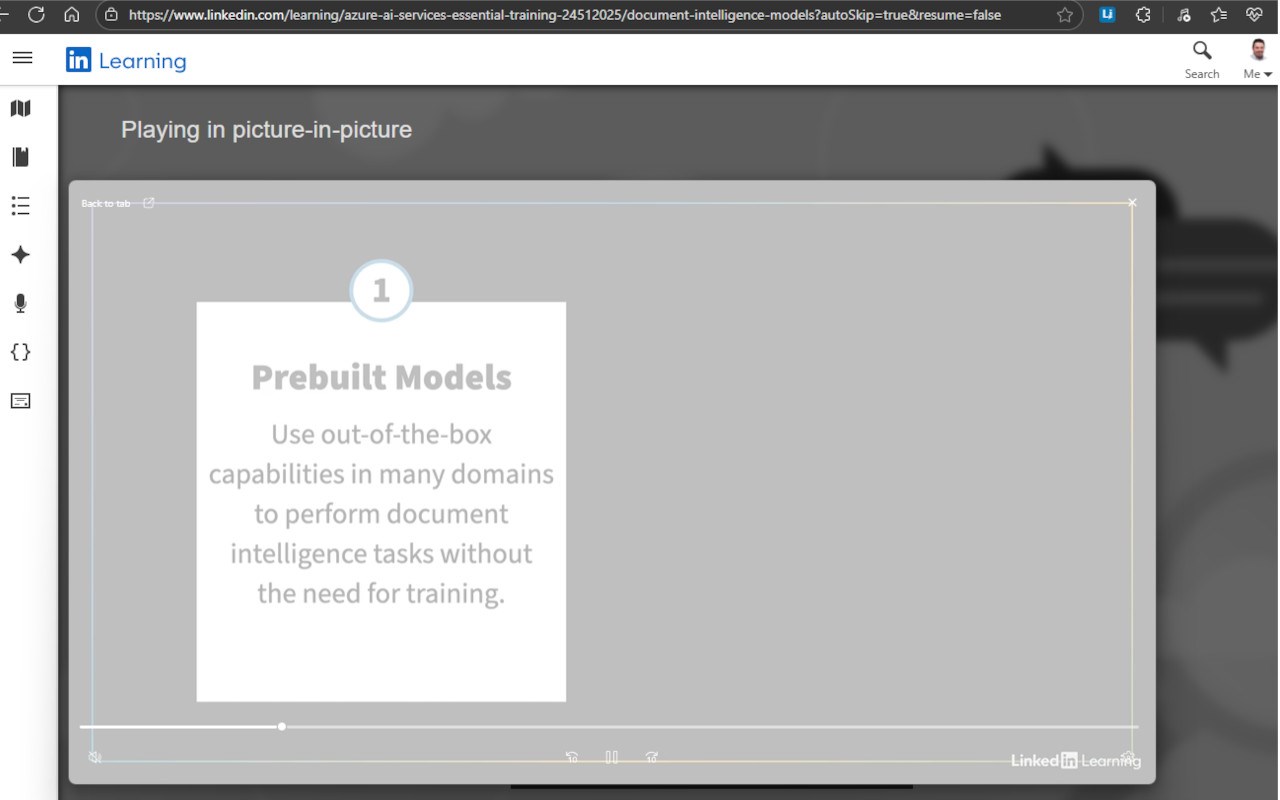
• Move the video to a different screen always on top
HOW TO USE:
1. Navigate to any LinkedIn Learning video
2. Click the extension icon in your toolbar (or extra Video Controls in blue)
3. Choose a preset aspect ratio or customize dimensions
4. Adjust max height with the slider
5. Your preferences save automatically!
SUPPORT & FEEDBACK:
Encountering issues or have suggestions? Visit our GitHub repository for support, bug reports, and feature requests.
Open source and actively maintained. Check out the code on GitHub: rmjoia/LinkedInLearning-extension