
Page Screenshot
Extension Actions
The Ultimate Tool for Capturing, Editing, and Sharing Your Screenshots
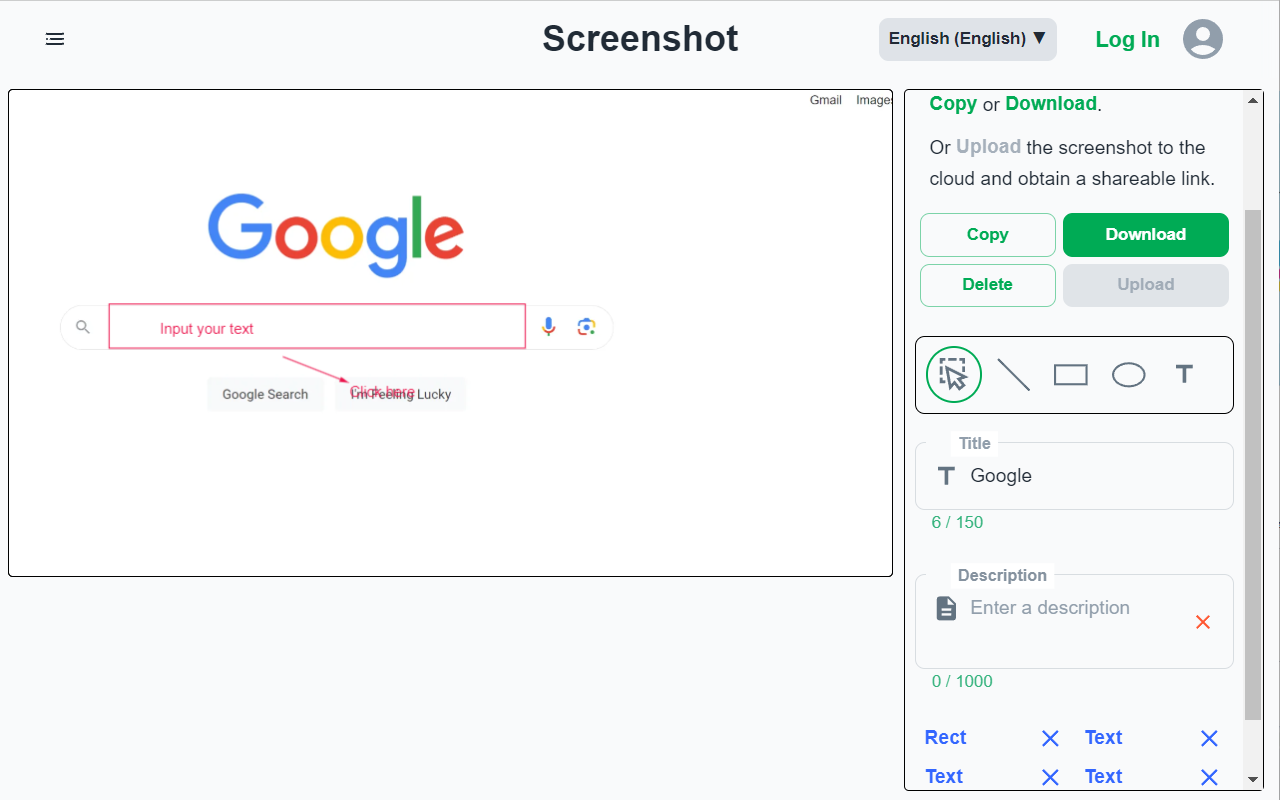
✅ Screenshot Capture: Quickly capture a screenshot of your current page using a right-click menu or an extension popup.
✅ Full Screen Capture: Capture a complete screenshot of your page, including all scrollable areas.
✅ Customizable Cropping: Refine your screenshot by cropping it to highlight key details.
✅ Creative Customization: Enhance your screenshot with graphics and text.
✅ Effortless Sharing: Download your screenshot or upload it to generate a shareable link, making collaboration and sharing seamless.
Manage screenshot and bookmarks, use: https://microsoftedge.microsoft.com/addons/detail/bookmark-ai-tagging-cac/khlncdhgfbnjnjacekghjpogcikmklad
Support Languages:
العربية, Deutsch, Español, English, Français, 日本語, 한국어, 简体/繁体中文