
LabelRange
Extension Actions
CRX ID
aompphdlbehnhfbbbpdngkhljjielbci
Status
- Live on Store
Description from extension meta
LabelRange printer plugin
Image from store
Description from store
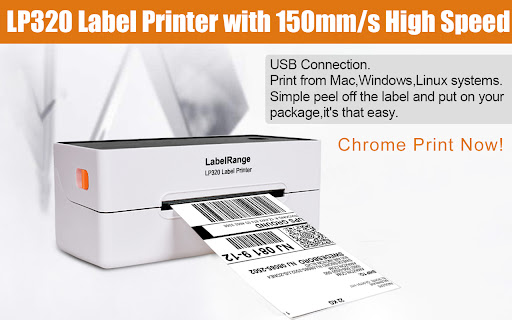
The extention provides for LabelRange LP320 thermal label printer to install and effect the printing function, including device connection and printer property settings.
How to setup:
Step 1: Connect the power cable. Connect the usb cable to chromebook and printer.
Step 2: Load your labels in the printer and turn the power on.
Step 3: Go to extention and choose the Labelrange and do the settings to print.