
Rooster
Extension Actions
CRX ID
apblgidjdckgapcablognmpfhkdngbko
Description from extension meta
Rooster
Image from store
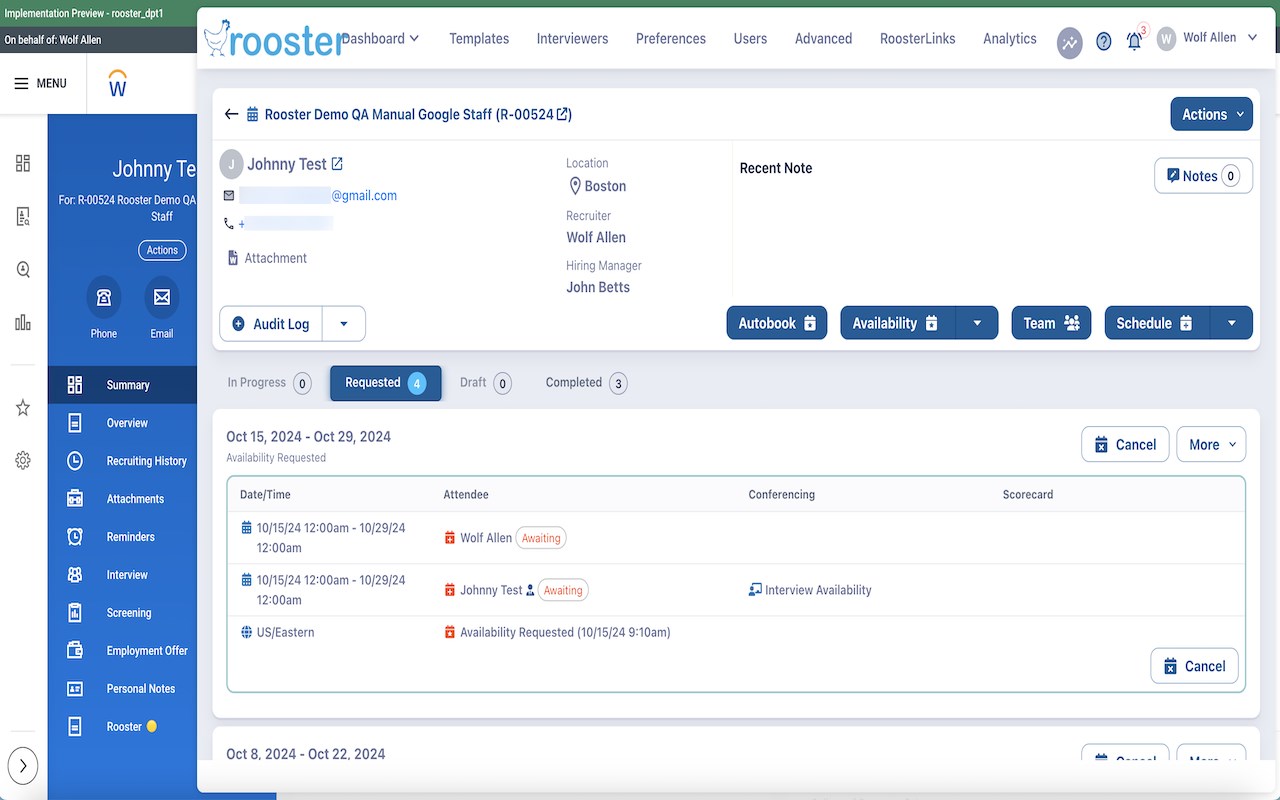
Description from store
The Rooster browser extension for Workday allows you to access Rooster within Workday by clicking on the new Rooster icon that is added to the Candidate page in Workday. Using icons with different colors, the extension also shows whether interviewers have accepted, declined, or replied as tentative on the Candidate Interviews page.