
What Font - find font
Extension Actions
- Extension status: Featured
Ļauj uzzināt, kāds fonts tiek izmantots jebkurā tīmekļa vietnē
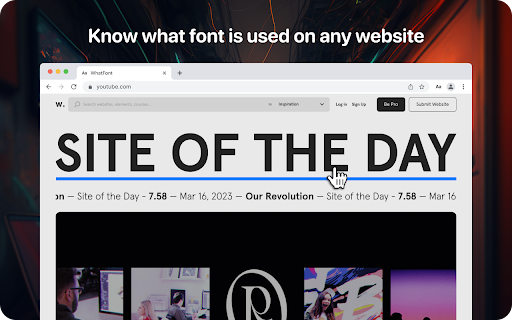
Lets you know what font is used on any website
Using the WhatFont extension, you can find out the following details: font family, style, weight, size, line height, color which is used on any site. Just find the text you need, activate the WhatFont extension and all the necessary information will appear on your monitor.
The WhatFont extension for Google Chrome is a powerful tool that allows users to quickly and easily identify the fonts used on any website and enables users to identify the font style, size, color, and italics used on a website by simply hovering over the text.
How To Use:
1. Activate extension WhatFont by clicking on its icon in the right-top
2. For information click on the font
3. To disable the functionality - click "Exit What Font" on the right-top of the browser.
WhatFont is especially useful for designers, developers, and anyone who works with typography. It provides an easy and efficient way to identify the fonts used on a website, which can be a valuable resource for creating your own designs. Additionally, this extension can help you improve your understanding of typography, allowing you to make informed decisions about font choices.
In summary, WhatFont is an essential tool for anyone who wants to identify the font details used on a website. Its simple and intuitive interface makes it easy to use, and its comprehensive font information is sure to be helpful for designers and developers alike.
Latest reviews
- Zachary Ellis
- It doesn't work at all. Zero stars.
- Web Developer
- For me, it's a great help. Nice work and a great help for developers.