
sideRSS - RSS Reader in sidePanel
Extension Actions
CRX ID
bdnhdpohacpmakclleclocggefmnddlh
Description from extension meta
'sideRSS' - قارئ RSS في اللوحة الجانبية
Image from store
Description from store
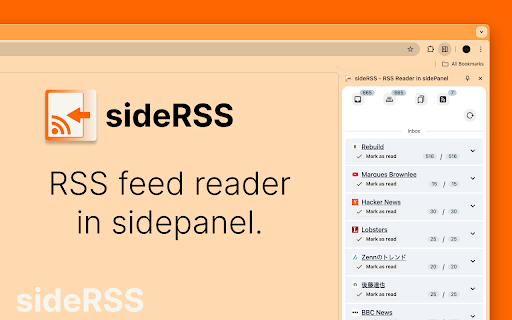
sideRSS allows RSS readers to be created in the side panel.
How to use.
- Activate shortcut is Ctrl/Cmd+Shift+S
- (Optional) Pin the extension's icon to your toolbar!
- Click on the extension icon in the browser toolbar to activate the sideRSS pane.
- Alternatively, right-click on any page and click the icon in the context menu.
- Subscribe to the RSS feeds you want to subscribe to in the Feeds tab.
- Press the Reload button in the Inbox tab.
Latest reviews
- Dalone Donald
- Homies