
Find Selector
Extension Actions
Javascript selector to quickly find elements on the page.
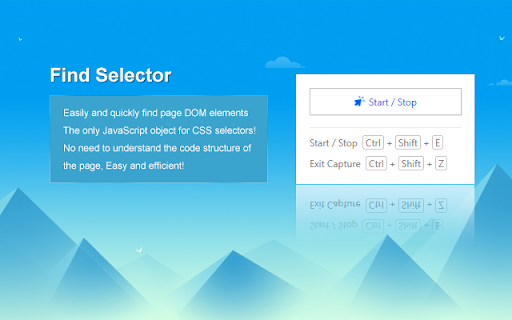
Easily and quickly find the JavaScript object of the only CSS selector of the page DOM element! No need to understand the code structure of the page, easy and efficient!
It is a good tool for AdsPower RPA robot creation process!
1. Turn on the search mode, and the page will display the corresponding semantics of the element
2. Shortcut key (Ctrl+Shift+S) to copy the selector of the current floating element
3. Paste the selector
Windows shortcut keys use:
Start/stop search mode: Ctrl + Shift + E
Quick exit: Ctrl + Shift + Z
Copy selector: Ctrl + Shift + S
Hide the prompt box: Alt + C
Mac shortcut keys use:
Start/stop search mode: Command + Shift + E
Quick exit: Command + Shift + Z
Copy selector: Command + E
Hide the prompt box: Ctrl + C
It is very useful for quickly obtaining any element selector for testing frameworks (such as Selenium/Puppeteer).
Latest reviews
- Jorge Sequeira
- Terrible, selectors captured are not the ones returned by Chrome.
- biao chen
- 好用,终于等到你,还好我没放弃!