
Join Clash 3D
Extension Actions
CRX ID
bmcciblbndepebdaideoknifjpbepfje
Description from extension meta
Join and Clash 3D is a free to play survival running game.
Image from store
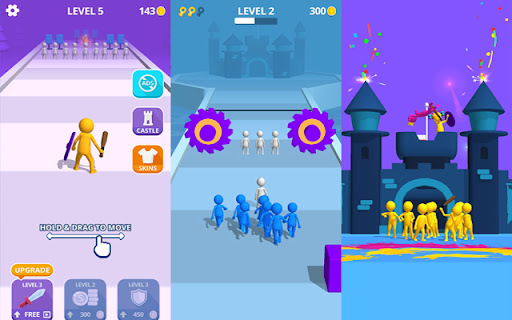
Description from store
Epic survival battle! Racing adventure in which you have to give all your energy and attention to the game to the very end!
How to Remove:
1. Click on the icon given in the upper right-hand side of your Chrome browser.
2. Go to the “settings”.
3. Click on “extensions”.
4. Find the extension that you want to uninstall.
5. Click on the trash can icon to the right of “enable”, when you find the extension you want to remove.
6. The extension is removed.
Lastly, you can enjoy these features (and your requests will be added further) for free! Football Flick Game extension does not contain any hidden ads.
Contact with us at [email protected] and share your thoughts and problems.