
ArcEscape: migrate bookmarks from Arc Browser
Extension Actions
CRX ID
bndjjmakpkmmhjjccgaejlkohhhgmlme
Description from extension meta
Export your Arc Browser spaces, pinned tabs, and favorites to any browser. Free for small exports, $5 for unlimited.
Image from store
Description from store
ArcEscape exports your Arc Browser bookmarks to any browser in seconds.
How it works:
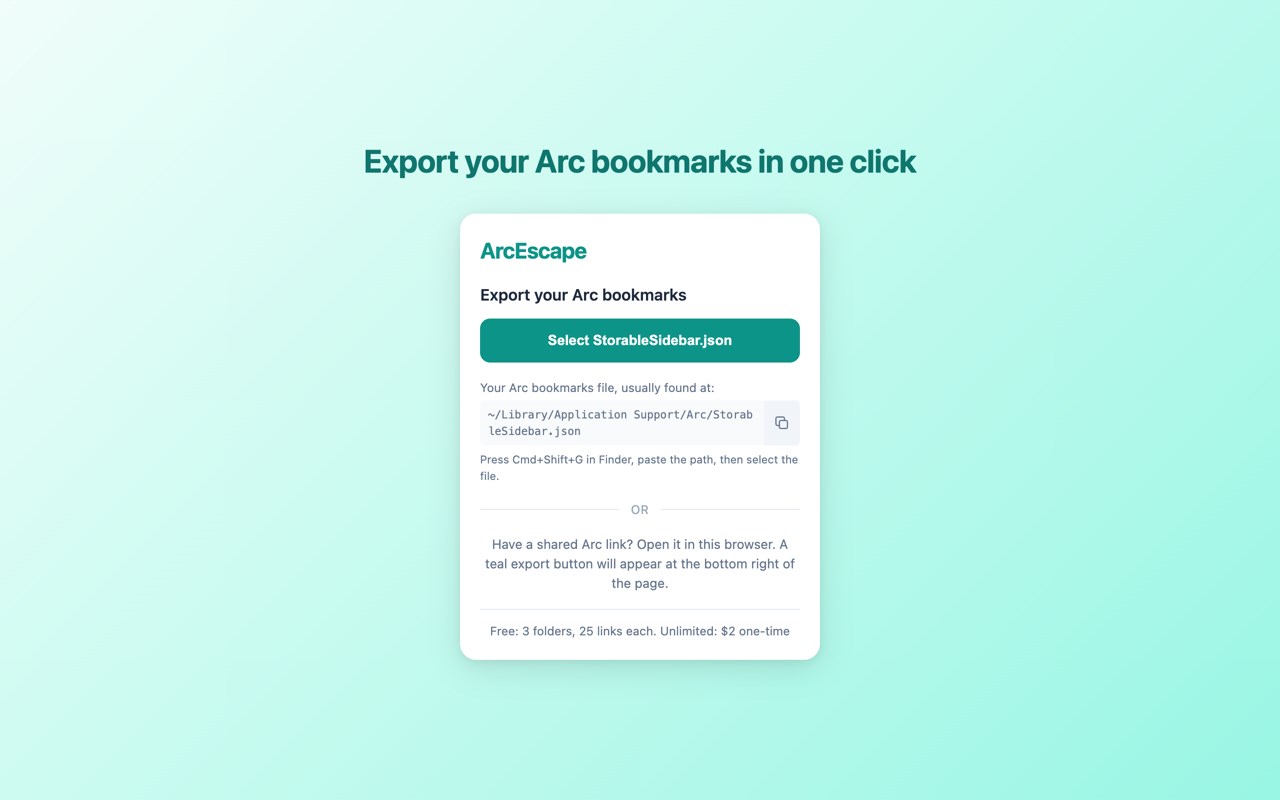
1. Click the extension icon and select your StorableSidebar.json file
2. See a summary of your spaces, folders, and links
3. Export to a standard HTML bookmarks file
4. Import into your new browser using its built-in bookmark importer
Works with shared Arc links too — open any arc.net/space link and a
floating export button appears automatically.
Free tier: 3 folders, 25 links each. Unlimited export: $2 one-time.
Your data never leaves your device. No account required, no servers, no
tracking.