
DevTools Theme: Just Black
Extension Actions
CRX ID
cchpcfjfdljcfchegellgojokpfobjkd
Description from extension meta
Black DevTools Theme Installation: 1.) Open chrome://flags 2.) Look for "Developer Tools experiments" 3.) Enable it and restart…
Image from store
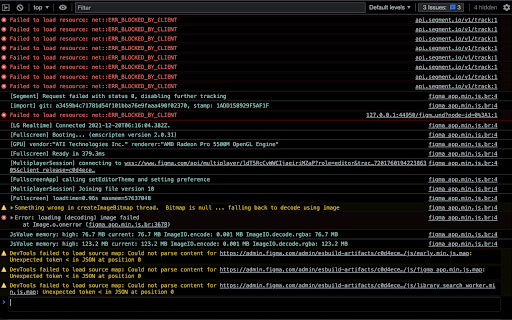
Description from store
Black DevTools Theme
Installation:
1.) Open chrome://flags
2.) Look for "Developer Tools experiments"
3.) Enable it and restart Chrome
4.) Open Developer Tools
5.) Open the Settings > Experiments > "Allow Custom UI Themes"
6.) Close and reopen the DevTools
Please note: DevTools must be set to dark mode
Contribute: https://github.com/trentbrew/devtools-theme-black
Big thanks to Nitay Neeman <3 (https://github.com/nitayneeman/material-dark-devtools)
Latest reviews
- Pavithran N
- Out of all other theme's i have used, this is the best one. For daily usage its best for my eyes. Thanks Hope there's no bugs in it
- Lucas Matheus
- Hey, thanks so much for this extension! I noticed that no one here said anything, but it is very useful to me on a daily basis, congratulations!